Complete guide to the white background variant of the Indonesia passport photo. This ICAO-compliant format (51x51 mm / 2x2 inch, white background) is accepted by select Indonesian diplomatic missions abroad. Learn when to use white vs red, exact dimensions, pose rules, and submission guidelines for your Indonesian passport (paspor) application.

| Requirement | Specification |
|---|---|
| Country | Indonesia (Republik Indonesia) |
| Document Type | Passport (Paspor) — White Background Variant |
| Photo Size | 51 x 51 mm (2 x 2 inch) |
| Resolution (DPI) | 300 minimum |
| Head Size | ~32.8 mm head height (1.29 inches) |
| Eye Line | ~30 mm (1.18 inches) from bottom of photo |
| Background Color | White — solid, uniform, ICAO compliant |
| Copies Required | 2 (two identical copies) |
| Digital Photo Size | 600 x 600 pixels (at 300 DPI) |
| Digital File Size | 0-240 KB |
| Color | Color only (correct skin tone, no red-eye) |
| Recency | Taken within the last 6 months |
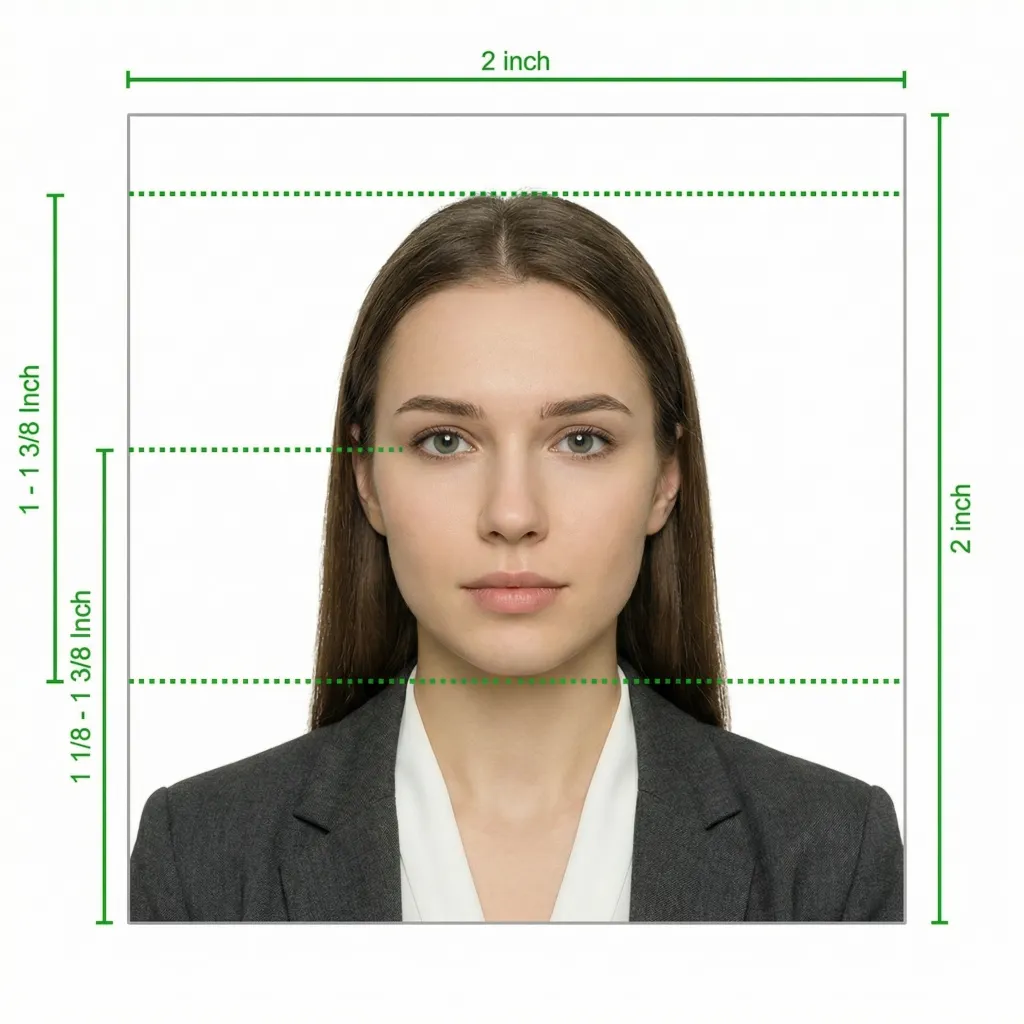
This white background variant follows standard ICAO guidelines and is accepted by select Indonesian diplomatic missions and processing centers. The photo dimensions, head size, expression, and other rules are identical to the red background variant — only the background color differs.
Glasses are strictly NOT allowed in Indonesian passport photos — this applies to both red and white background variants. You must remove your glasses before taking the photo regardless of whether you wear them daily or have a medical need. There are no exceptions to this rule.
Source: Direktorat Jenderal Imigrasi — imigrasi.go.id | paspor.imigrasi.go.id
Taking your own passport photo at home is straightforward. Follow these five steps, and our AI tool will handle the background replacement, cropping, and compliance checks automatically.
Any recent smartphone with a good camera will work perfectly. Clean the lens first, set the camera to its highest resolution, and either use a tripod or ask someone to take the photo from about 1.5 meters away. Avoid using the front-facing camera — the rear camera produces better quality.
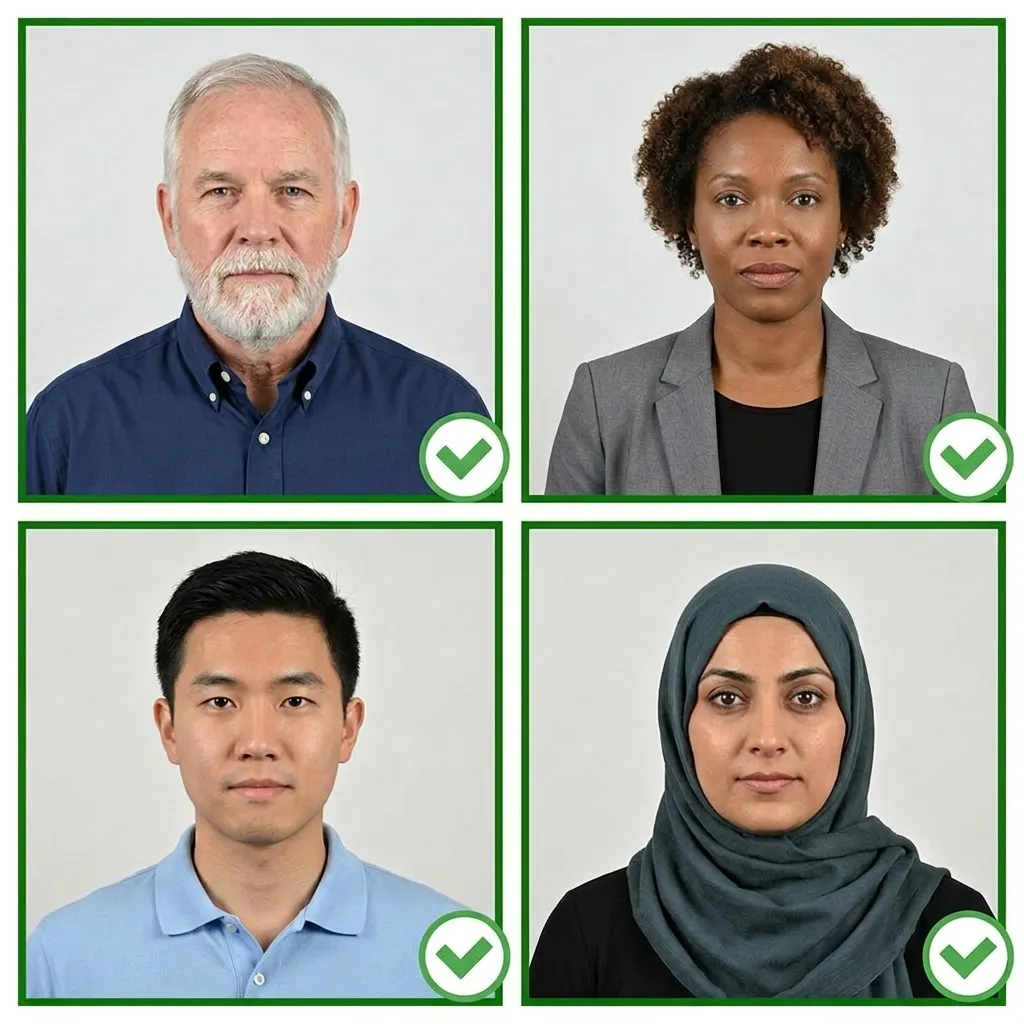
The best results come from natural daylight. Stand facing a large window — the indirect light creates even illumination across your face. If using artificial lights, position two light sources at 45-degree angles to eliminate shadows. Avoid overhead lighting alone, which casts shadows under your eyes and chin.
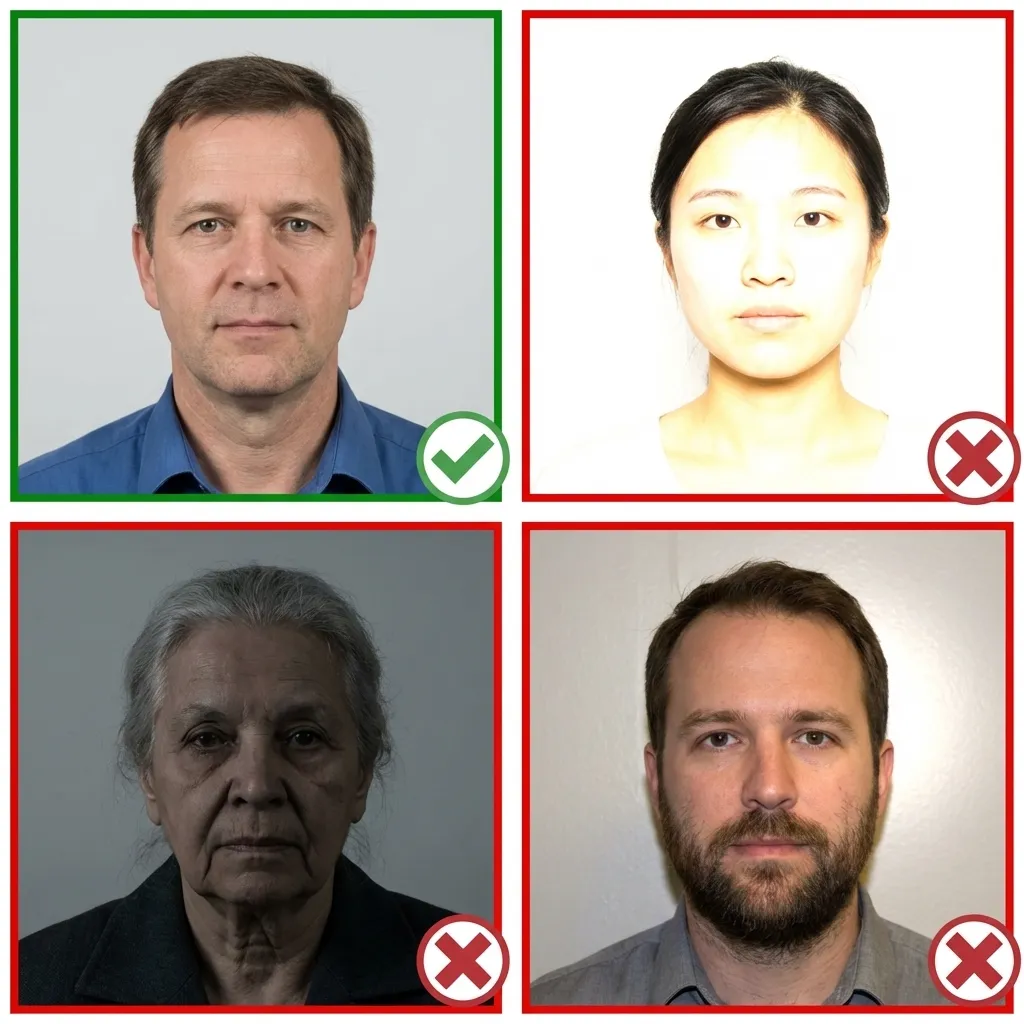
Wear everyday clothes in a medium or dark tone — avoid white tops that would disappear against the white background. If you wear hijab, pick a color that contrasts clearly with white (such as navy, grey, or pastel shades). Make sure no clothing covers your face or chin.
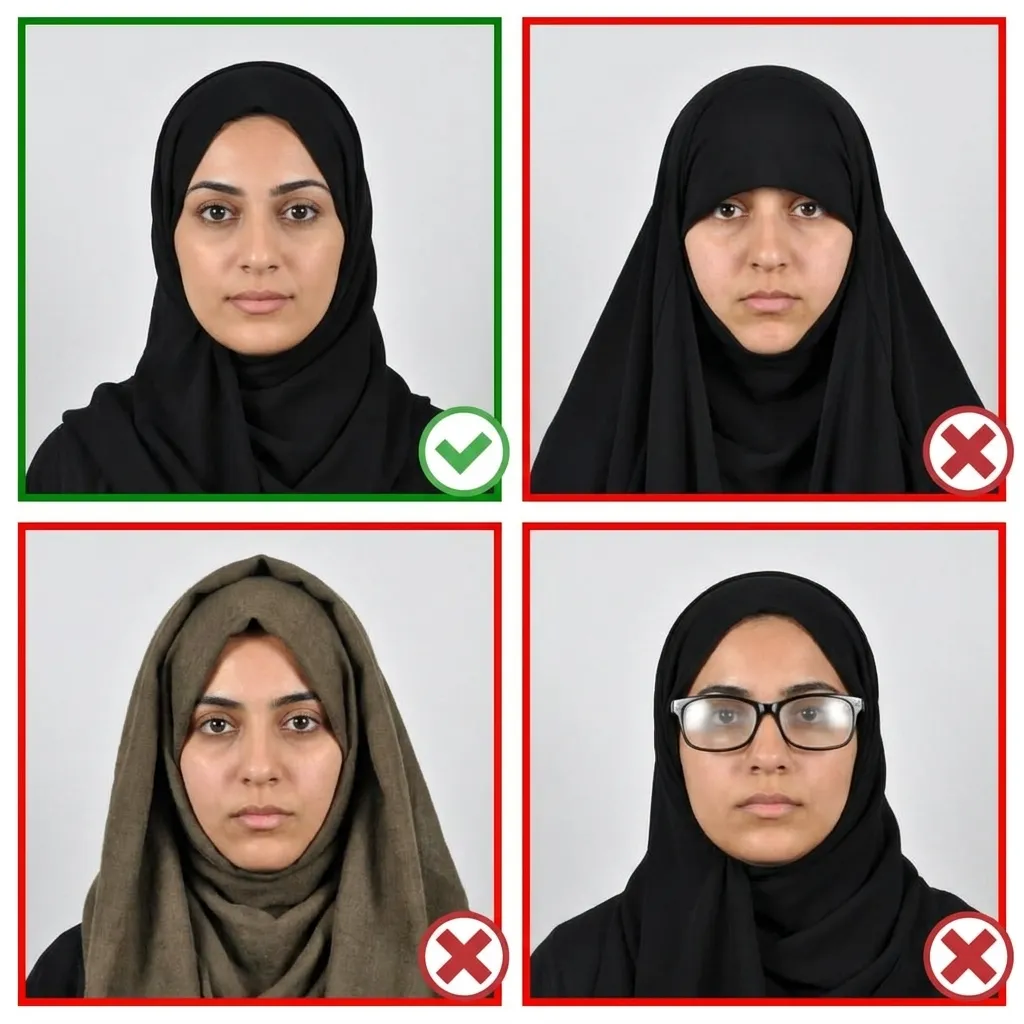
Stand straight with your shoulders square to the camera. Your head should be level — not tilted up, down, or sideways. Position yourself so your entire head including some space above your hair and below your chin fits within the frame. Your ears should be visible on both sides.
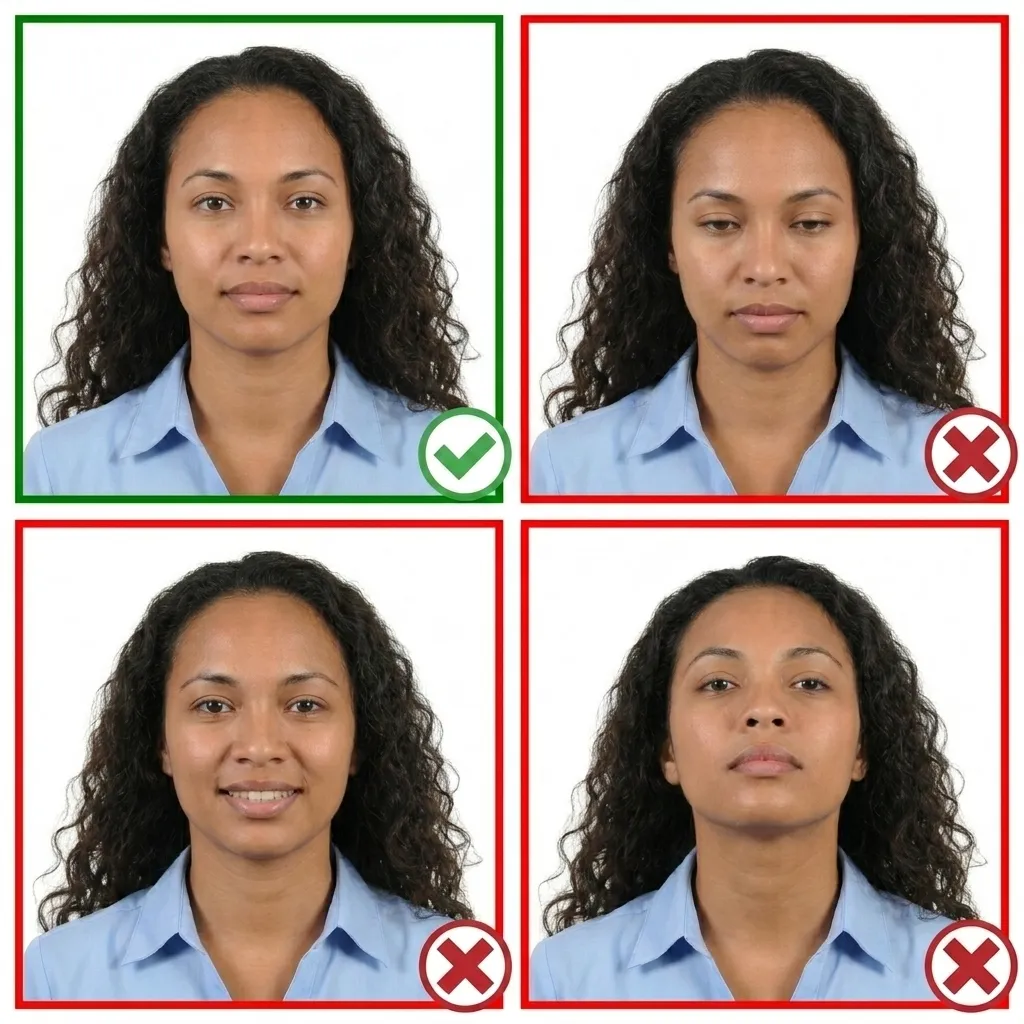
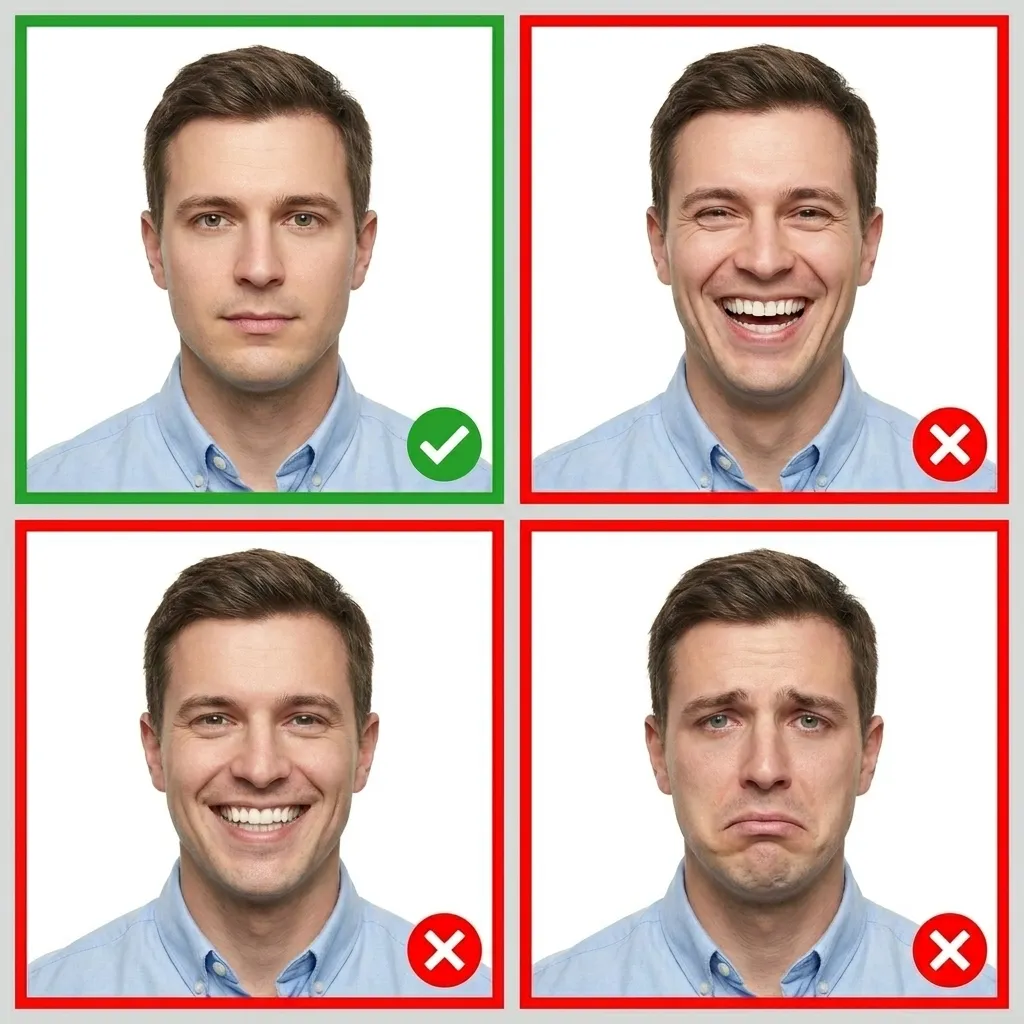
Relax your face completely — no smiling, frowning, or squinting. Close your lips naturally and keep both eyes wide open looking straight at the camera lens. The space between your eyes should be level, parallel to the top and bottom edges of the frame.
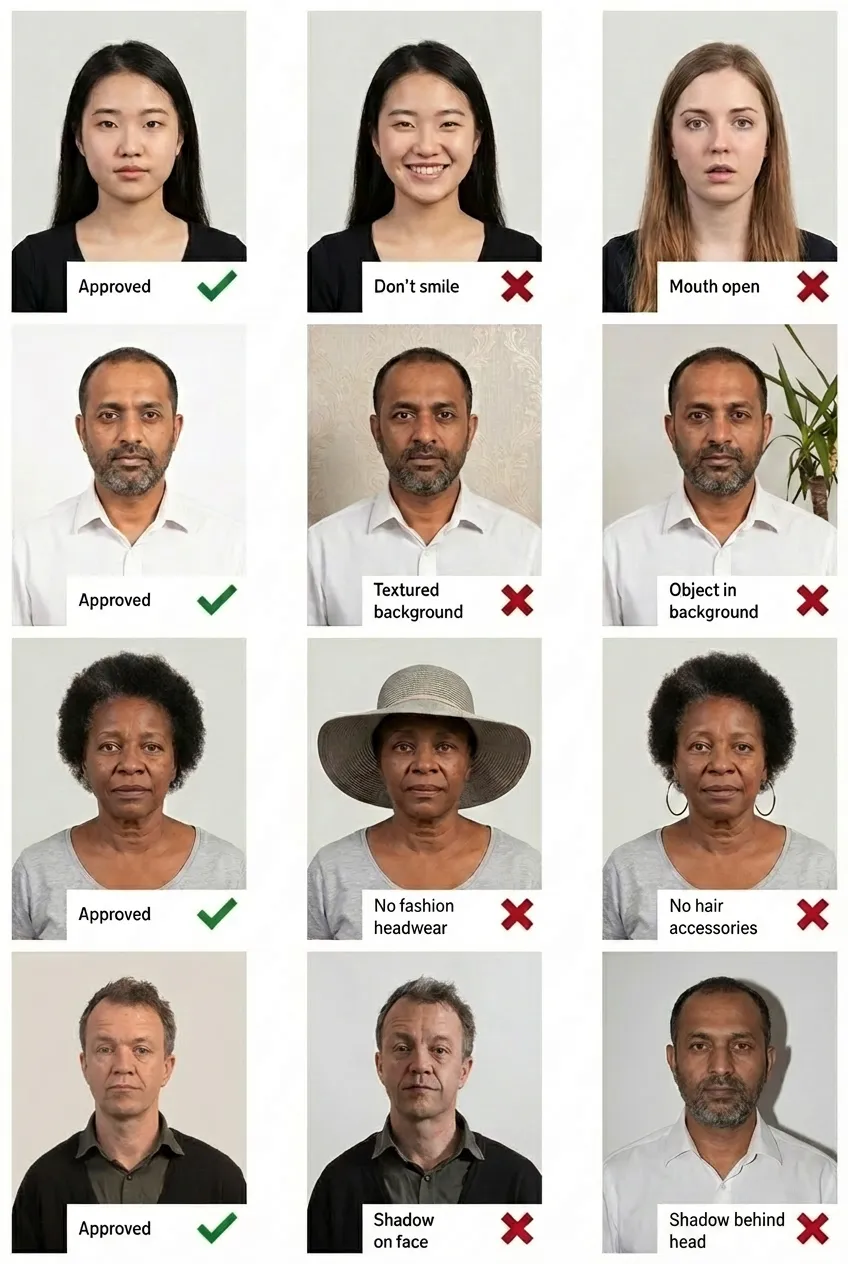
Comparison of acceptable and unacceptable passport photos
A white background is accepted by some Indonesian embassies and consulates that process passport applications through third-party systems or where the host country's processing infrastructure requires ICAO-standard white backgrounds. If the specific mission you are applying through requests a white background, use this format. However, the red background remains the more commonly required variant — always confirm with your mission first.
The white background variant uses the same dimensions as the red background version: 51x51 mm (2x2 inch). The head height should be approximately 32.8 mm (1.29 inches) from chin to the top of the hair, and the eye line should be about 30 mm from the bottom edge. All other specifications are identical between the two variants.
No. Glasses are strictly prohibited in Indonesian passport photos regardless of the background color (red or white). You must remove all eyeglasses before taking the photo. There are no medical or other exceptions to this rule.
Some Indonesian diplomatic missions abroad accept white background photos that comply with ICAO international standards, particularly when passport processing is handled through partner agencies or third-party systems in certain countries. The red background is the official domestic standard. Always check with your specific embassy, consulate, or processing center before submitting a white background photo.
Yes, hijab is permitted with both background variants. The key requirement is that the full face must be visible from the bottom of the chin to the top of the forehead, and from ear to ear. When using a white background, choose a hijab in a color that contrasts with white — avoid white or very light-colored hijabs to ensure adequate contrast in the photo.
Absolutely. Any modern smartphone camera is capable of taking a passport-quality photo. Simply upload your photo to PassportPhoto.help and our AI will automatically crop to 2x2 inch (51x51 mm), replace the background with solid white, adjust head size and eye line positioning, and verify compliance with all Indonesian passport requirements.
The digital photo must be at least 600x600 pixels at 300 DPI, with a file size between 0 and 240 KB in JPEG format. These are the standard ICAO-compliant digital passport photo specifications. Our tool automatically optimizes your photo to meet these exact requirements.
Submitting the wrong background color (white when red is required, or red when white is required) may result in your application being delayed or rejected outright. Each Indonesian mission has specific requirements. If you are unsure which format to use, the red background variant is the safer choice as it is the official domestic standard accepted at all locations. See the red background variant here.