Everything you need to know about Canada Temporary Resident Visa photo requirements, including exact dimensions, background color, and how to take a compliant photo for your visitor visa, super visa, or business visitor application.
| Requirement | Specification |
|---|---|
| Country | Canada |
| Document Type | Temporary Resident Visa (TRV) |
| Photo Size | 35 × 45 mm (1⅜ × 1¾ inches) |
| Resolution (DPI) | 600 |
| Pixel Size (at 600 DPI) | 826 × 1062 pixels |
| Face Height | 31–36 mm from chin to crown |
| Background Color | White or light-colored |
| Printable | Yes — on matte or glossy photo-quality paper |
| Color | Color only |
| Quantity Required | 2 identical photographs |
| Guarantor Signature | Not required |
| Recency | Taken within the last 6 months |
Canada Temporary Resident Visa (TRV) photos must meet specific requirements set by Immigration, Refugees and Citizenship Canada (IRCC). The TRV is required for visitors, business travellers, and those transiting through Canada who are from non-visa-exempt countries. Below is a comprehensive guide to ensure your photo is accepted.
A TRV, also known as a visitor visa, is an official document issued by a Canadian visa office that is placed in your passport. It shows that you have met the requirements for admission to Canada as a temporary resident. The TRV is used for several types of temporary stays:
Glasses with clear lenses may be worn in Canada TRV photos, unlike Canadian passport photos. However, your eyes must be clearly visible through the lenses with no glare or reflection. Sunglasses and tinted lenses are not permitted.
Source: Government of Canada — Temporary Resident Visa Photograph Specifications
You don't need a professional studio. Follow these simple steps to take a compliant Canada TRV photo at home using your smartphone.
Any modern smartphone camera is more than capable of taking a TRV-quality photo. Make sure the lens is clean and the camera is set to the highest resolution.
Place your phone on a tripod or ask someone to take the photo for you. Selfies tend to have the wrong angle and distortion.
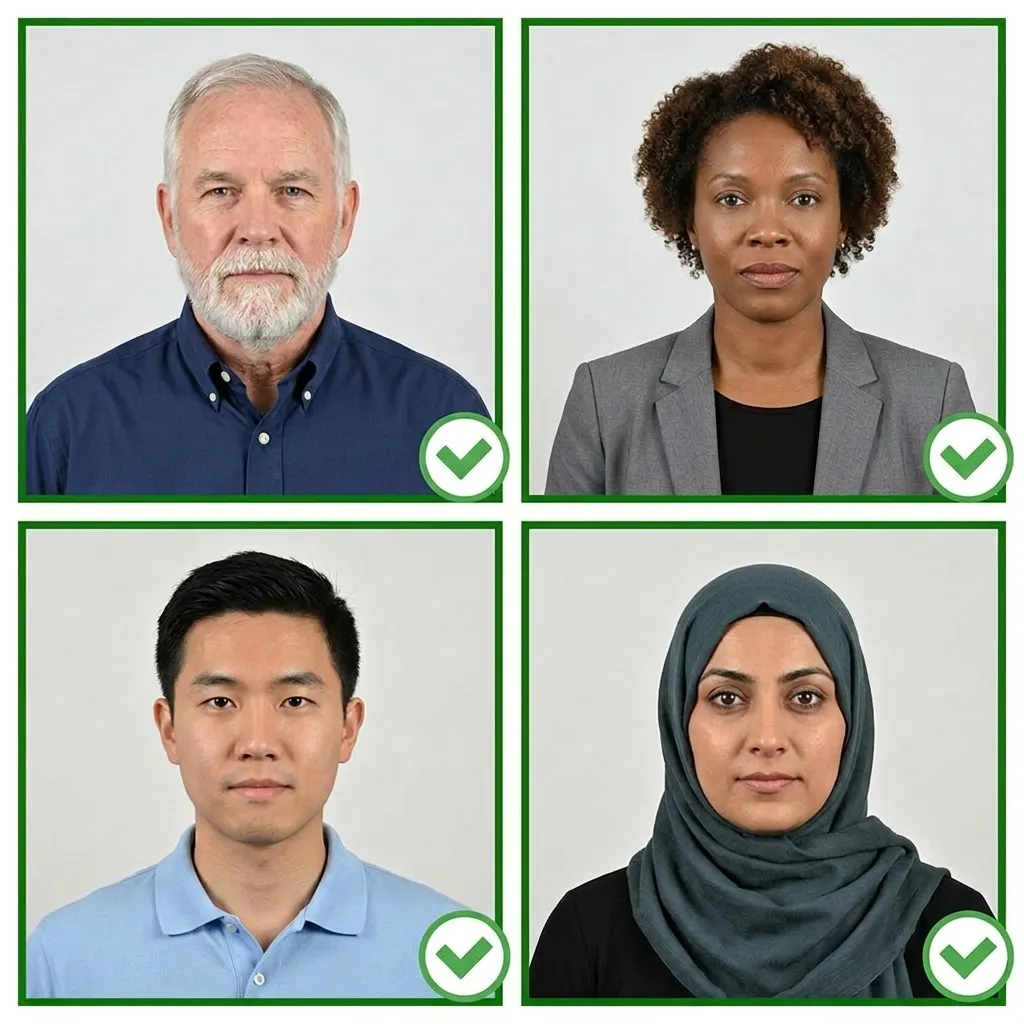
Stand facing a window with natural daylight for the best even lighting. Avoid direct sunlight, which creates harsh shadows.
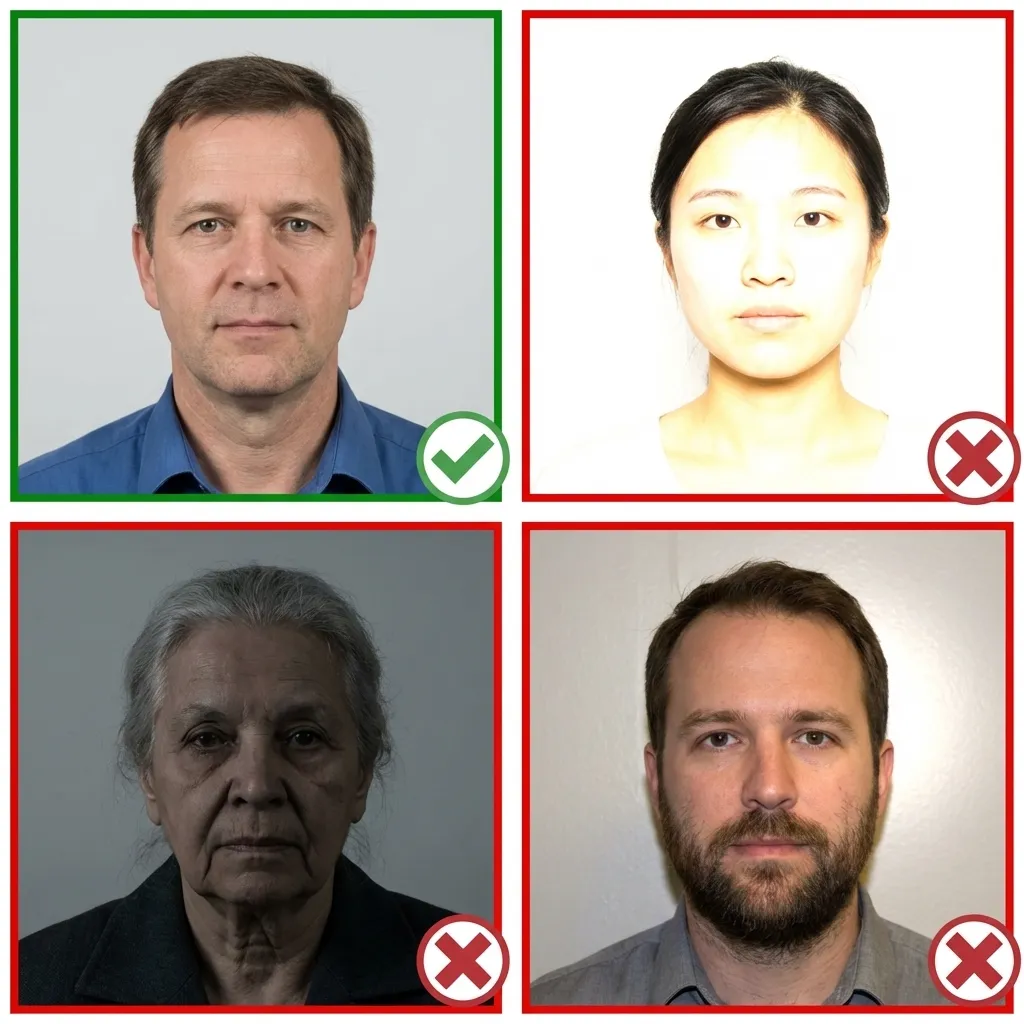
Wear your normal everyday clothing. Avoid uniforms and white tops that blend with the background. Make sure your hair does not cover your eyes.
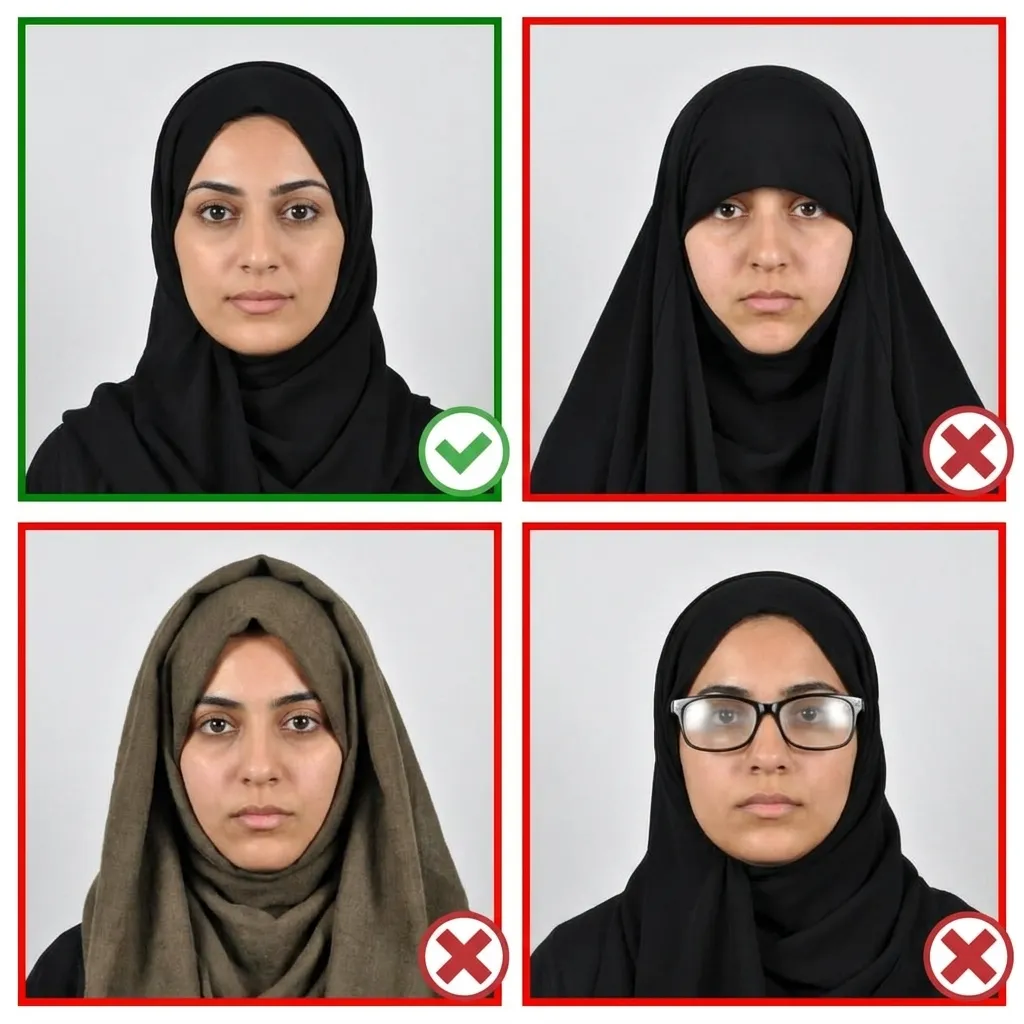
Stand about 1.5 meters in front of the camera with your head facing directly forward. Keep your shoulders relaxed and your head level — not tilted.
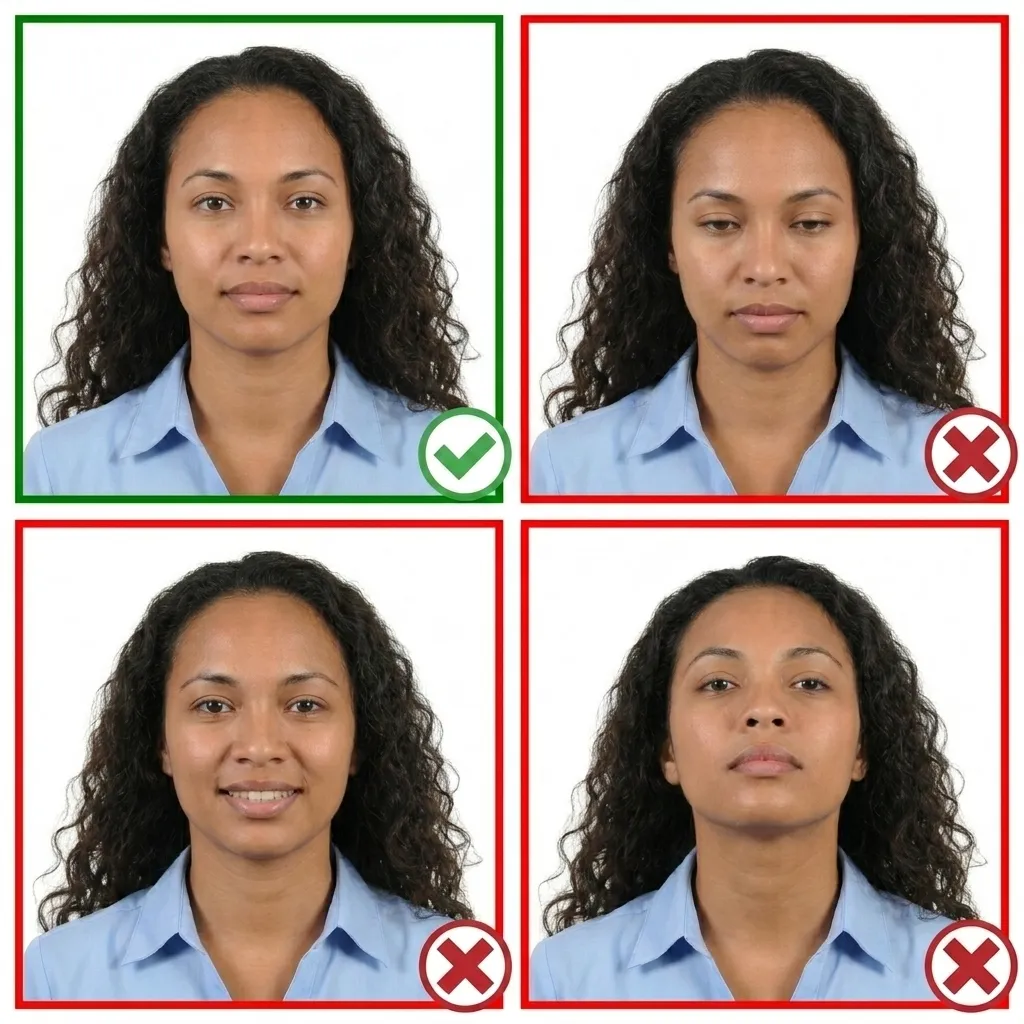
Keep your face relaxed with a neutral expression. Both eyes must be open and your mouth closed. No smiling — a straight, neutral expression is required.
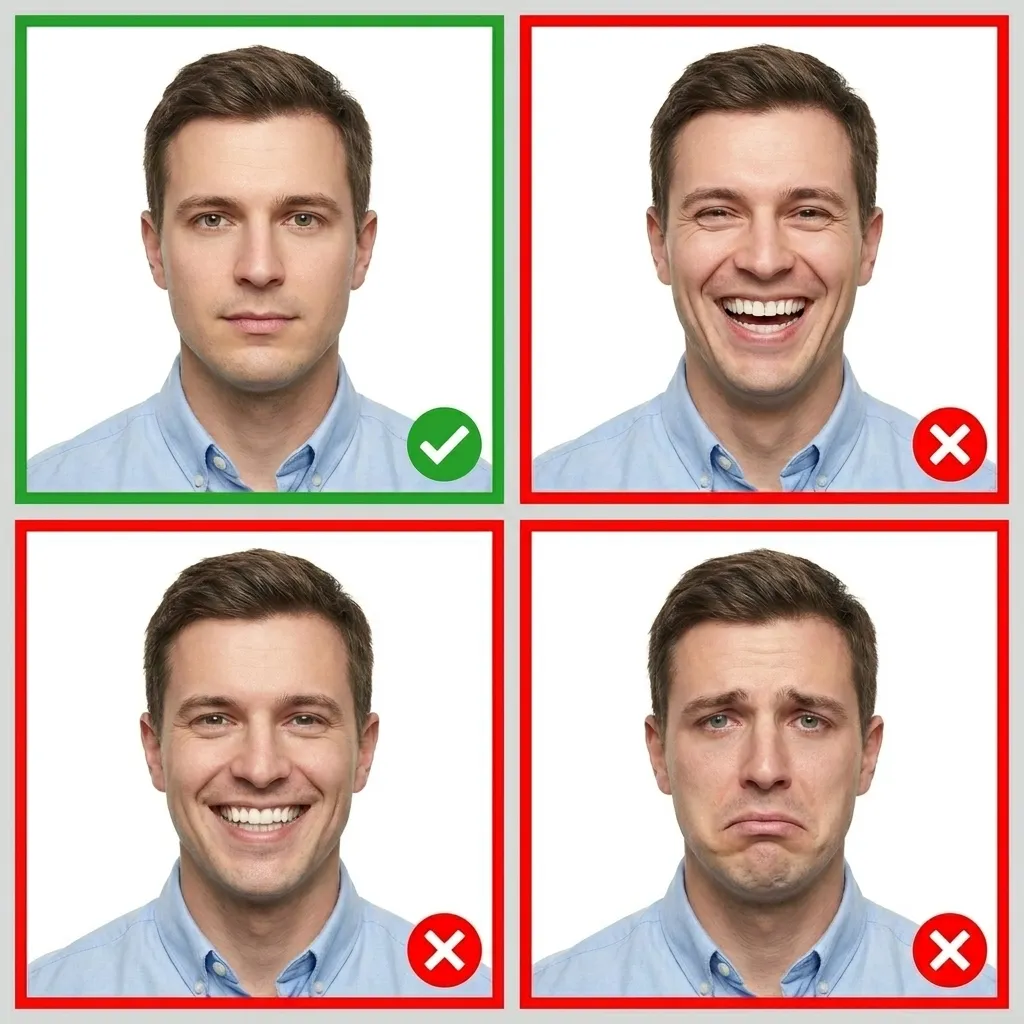
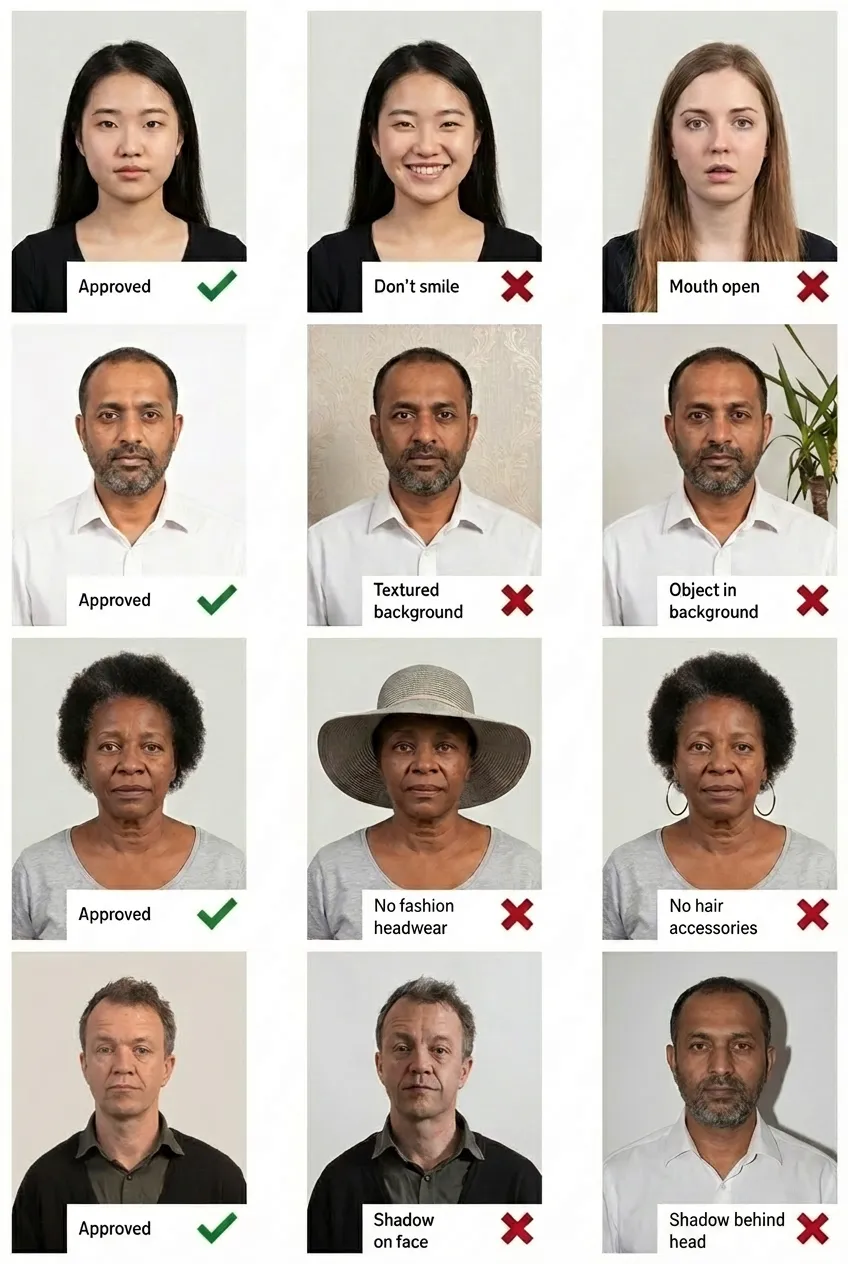
Comparison of acceptable and unacceptable TRV photos
We also provide detailed photo requirement guides for other Canadian documents:
A TRV (Temporary Resident Visa) is an official document issued by a Canadian visa office that is placed in your passport to show that you have met the requirements for admission to Canada as a temporary resident. It is required for nationals of certain countries who wish to visit, do business, or transit through Canada.
A TRV is a physical visa sticker placed in your passport, required for nationals of certain countries. An eTA (Electronic Travel Authorization) is an electronic entry requirement for visa-exempt foreign nationals travelling to Canada by air. Most eTA applicants do not need to submit physical photos as part of the application process.
Yes. The TRV, work permit, and study permit all use the same 35×45mm photo specification. As long as the photo meets requirements and is within the 6-month recency period, you can use the same photos for multiple applications.
A Canada TRV photo must be 35×45mm (1⅜×1¾ inches). The face must measure 31–36mm from chin to crown of head. You need 2 identical photos printed on quality photo paper.
Yes. Glasses with clear lenses may be worn in TRV photos as long as your eyes are clearly visible and there is no glare on the lenses. This is different from Canadian passport photos, where glasses are not allowed.
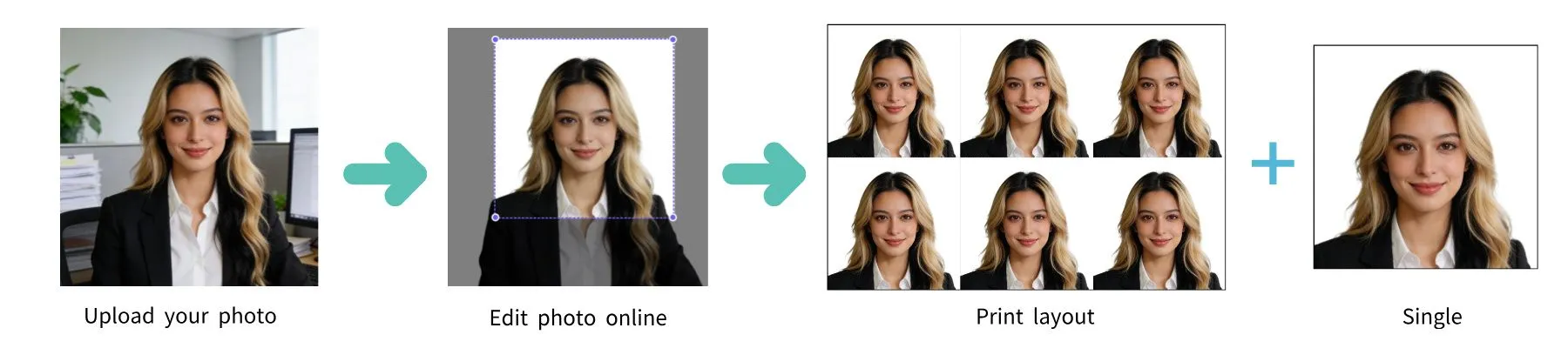
Yes! Simply upload your photo to PassportPhoto.help and our AI will automatically crop, resize, remove the background, and ensure it meets all official Canada TRV photo requirements.
Your TRV photo must have been taken within the last 6 months. It should reflect your current appearance.
If your TRV photo doesn't meet the requirements, your visa application will be delayed or returned. Using PassportPhoto.help ensures your photo meets all official requirements before you submit.