Everything you need to know about Zimbabwe visa photo requirements, including exact dimensions, background color, e-Visa digital photo specs, and how to take a compliant Zimbabwean visa photo at home.

| Requirement | Specification |
|---|---|
| Country | Zimbabwe |
| Document Type | Visa |
| Photo Size | 35 × 45 mm (3.5 × 4.5 cm / 1.38 × 1.77 inches) |
| Resolution (DPI) | 600 |
| Head Size | 60–80% of photo (~31–36 mm from chin to crown) |
| Background Color | Plain white or light gray |
| Color | Color only |
| Number of Photos | 2 identical photos |
| Recency | Taken within the last 6 months |
Zimbabwe offers an electronic visa (e-Visa) available through the official portal. For online applications, your digital photo must meet these specifications:
| Requirement | Specification |
|---|---|
| Format | 35 × 45 mm format |
| File Format | JPEG, PNG, or PDF |
| File Size | 10 KB to 1 MB |
| Pixel Size | 400×600 to 600×800 pixels |
| Resolution | Minimum 300 DPI |
| Background | White |
| Color | Color, no filters |
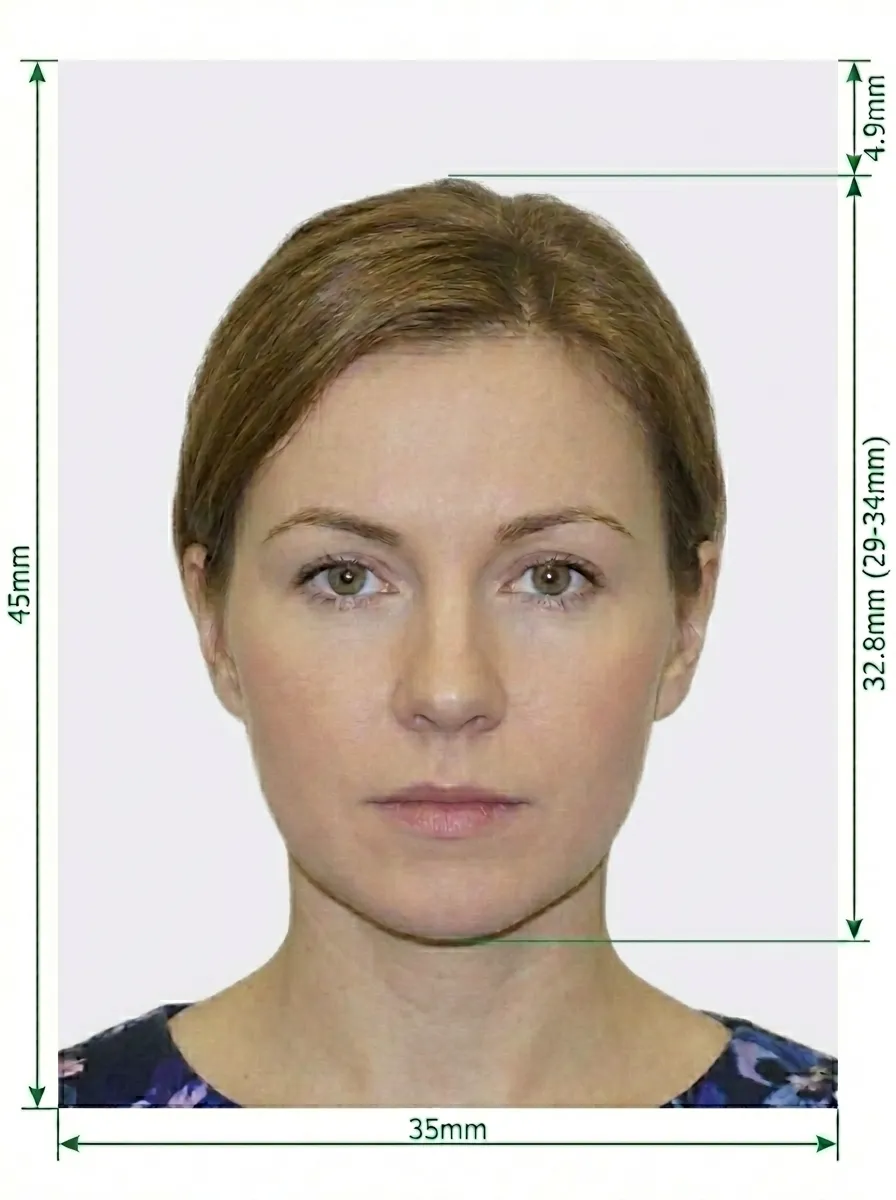
Glasses are NOT allowed in Zimbabwe visa photos — no exceptions.
No jewelry of any kind is permitted. Remove all earrings, necklaces, and visible jewelry before taking the photo.
Source: Zimbabwe e-Visa Official Portal
Follow these steps to take a compliant Zimbabwe visa photo at home using your smartphone.
Any modern smartphone camera works well. Clean the lens and set to highest resolution. Ask someone to take the photo — selfies have the wrong angle.
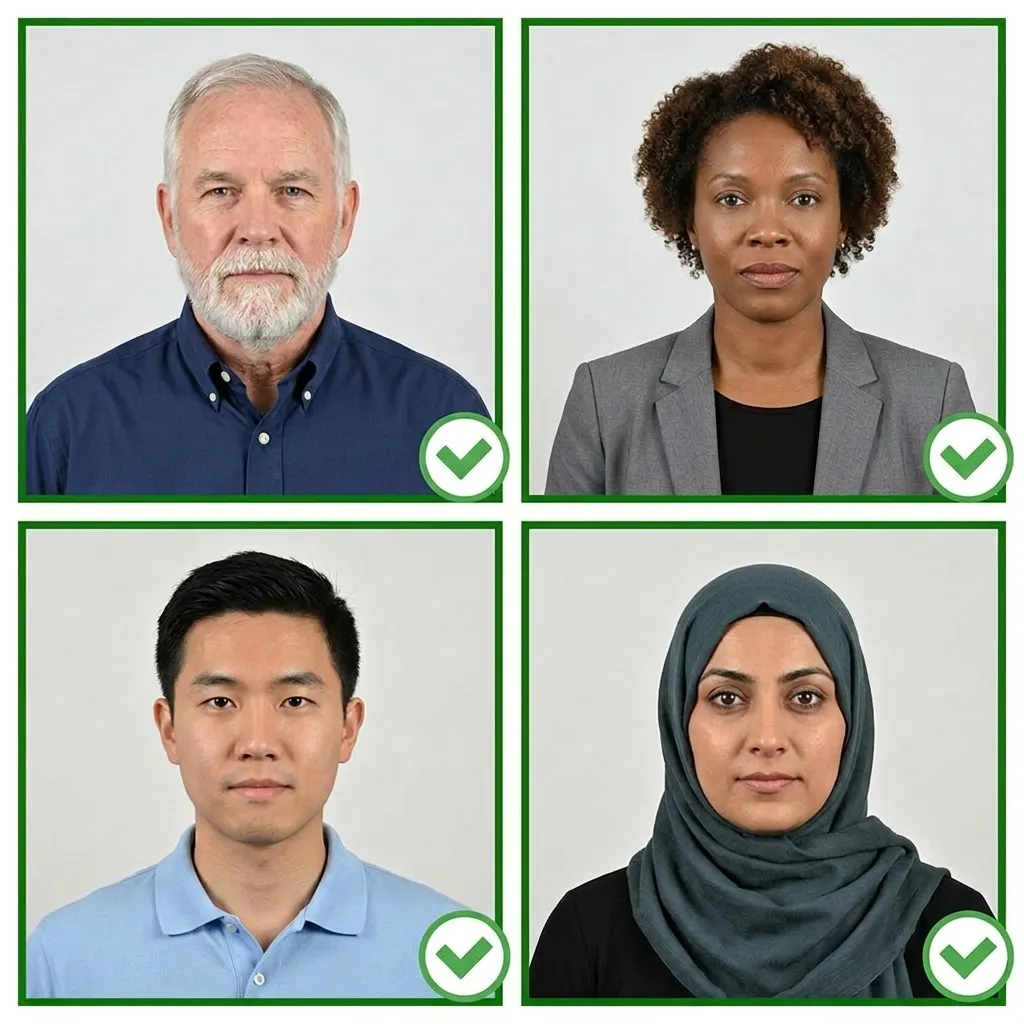
Stand facing a window with natural daylight. Avoid direct sunlight. Use multiple indoor light sources if needed.
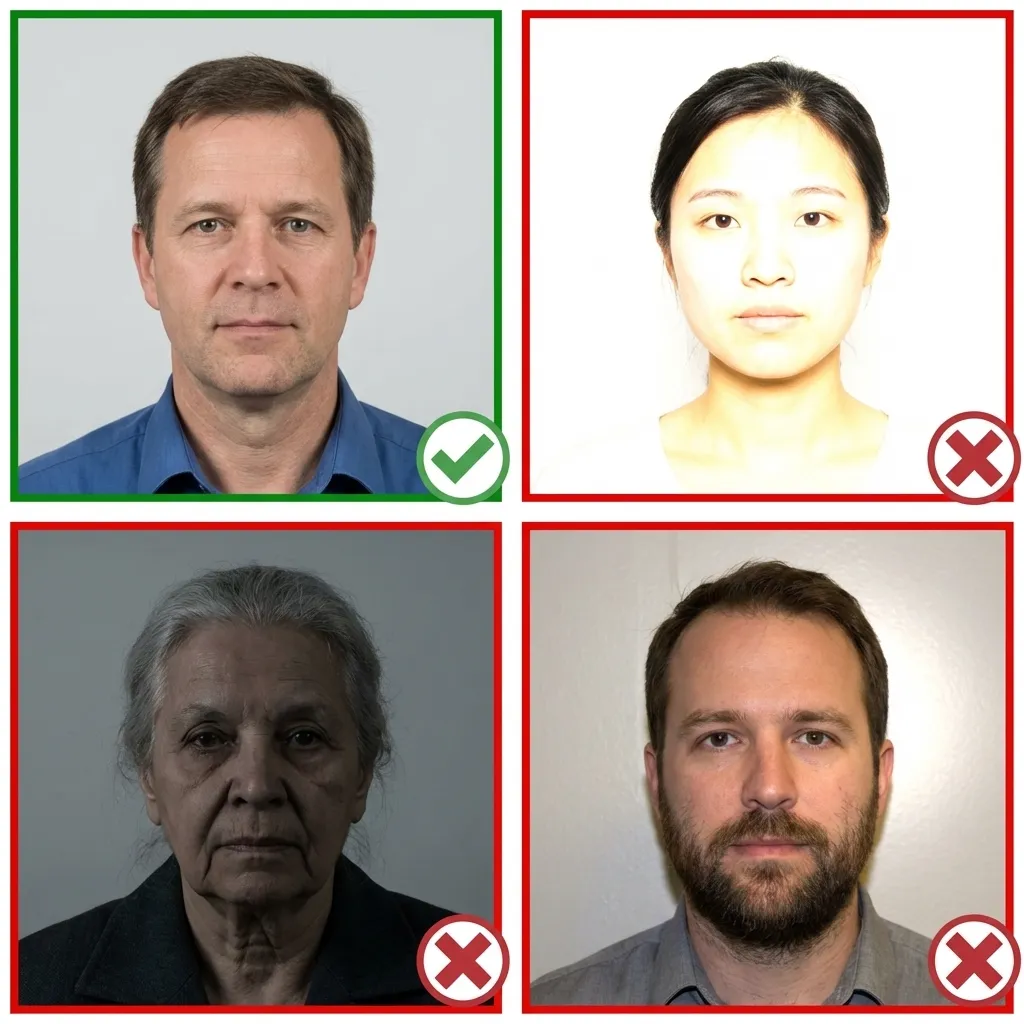
Face the camera directly with a neutral expression. Both eyes open, mouth closed. Keep your head level. Remove all jewelry and glasses before taking the photo.
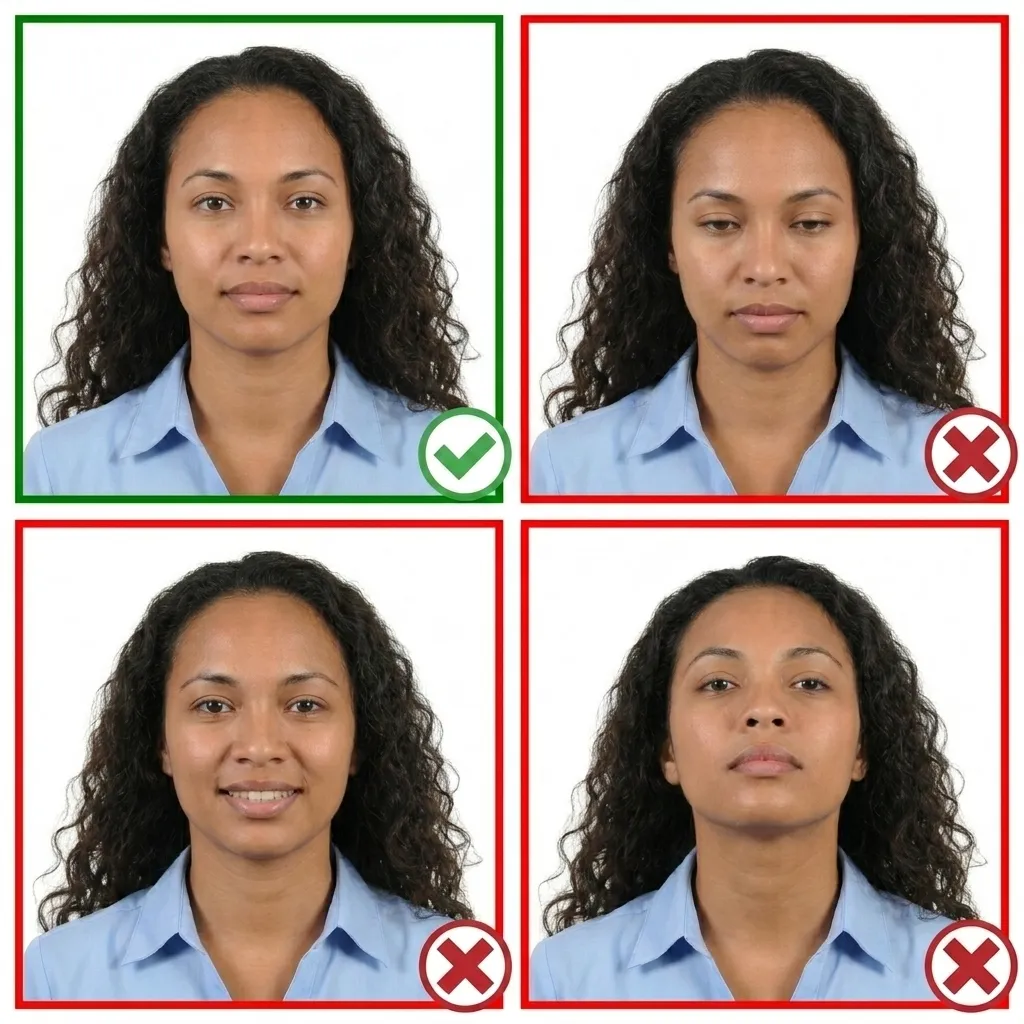
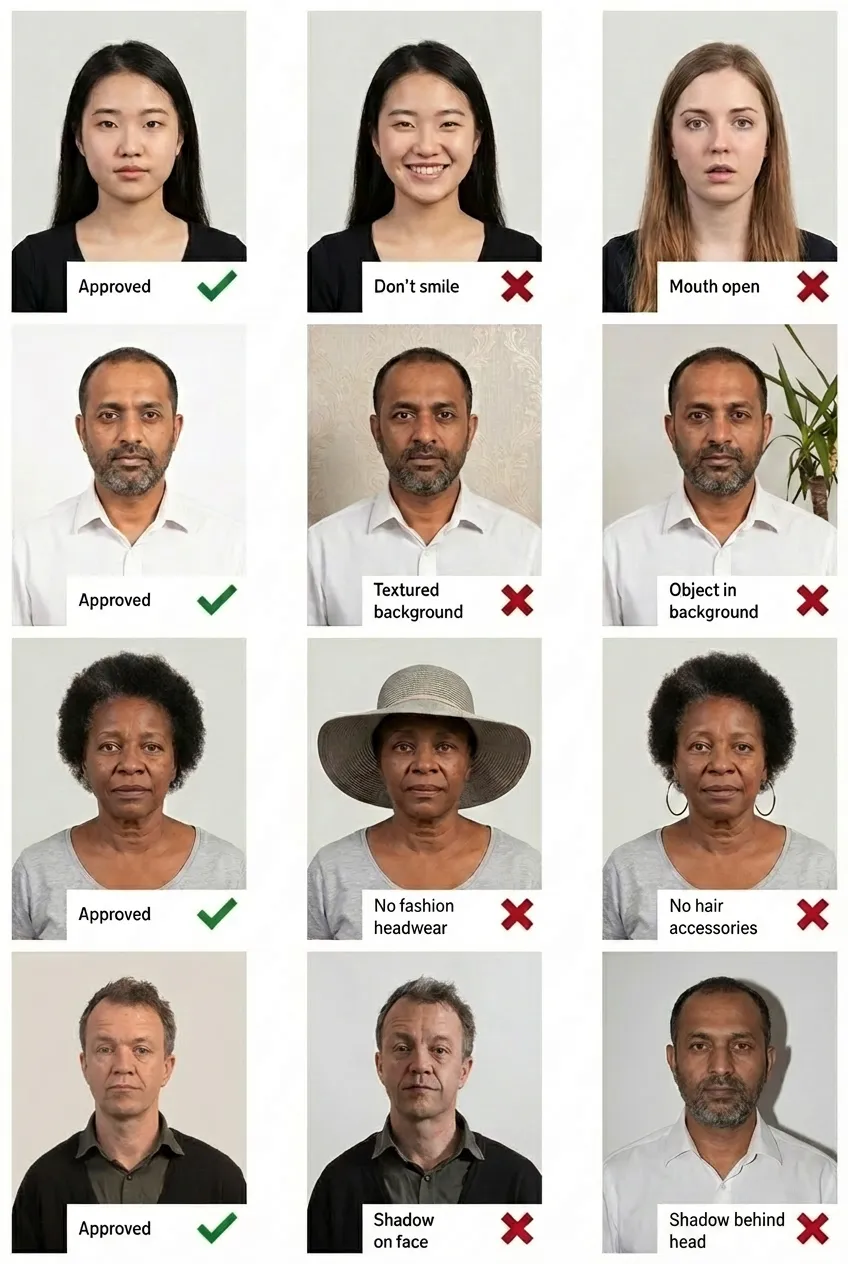
Comparison of acceptable and unacceptable visa photos
A Zimbabwe visa photo must be 35×45 mm (3.5×4.5 cm), white or light gray background. Your head should occupy 60–80% of the photograph.
Zimbabwe issues tourist visas, business visas, transit visas, student visas, conference visas, e-Visas (online), and the KAZA UNIVISA — a joint Zimbabwe-Zambia visa that covers both countries around Victoria Falls.
No. All jewelry must be removed — earrings, necklaces, facial piercings, and any other visible jewelry are not permitted.
JPEG, PNG, or PDF format, 10 KB to 1 MB file size, 400×600 to 600×800 pixels, white background, color photo with no filters.
The KAZA UNIVISA is a joint visa between Zimbabwe and Zambia that allows travelers to visit both countries with a single visa. It is ideal for visitors to Victoria Falls. The photo requirements are the same as a standard Zimbabwe visa.
Yes! Upload your photo to PassportPhoto.help and our AI will automatically crop, resize, remove the background, and ensure it meets all Zimbabwe visa requirements.