Everything you need to know about US citizenship and naturalization photo requirements for Form N-400, including exact dimensions, background color, pose rules, and how to take a compliant photo at home.
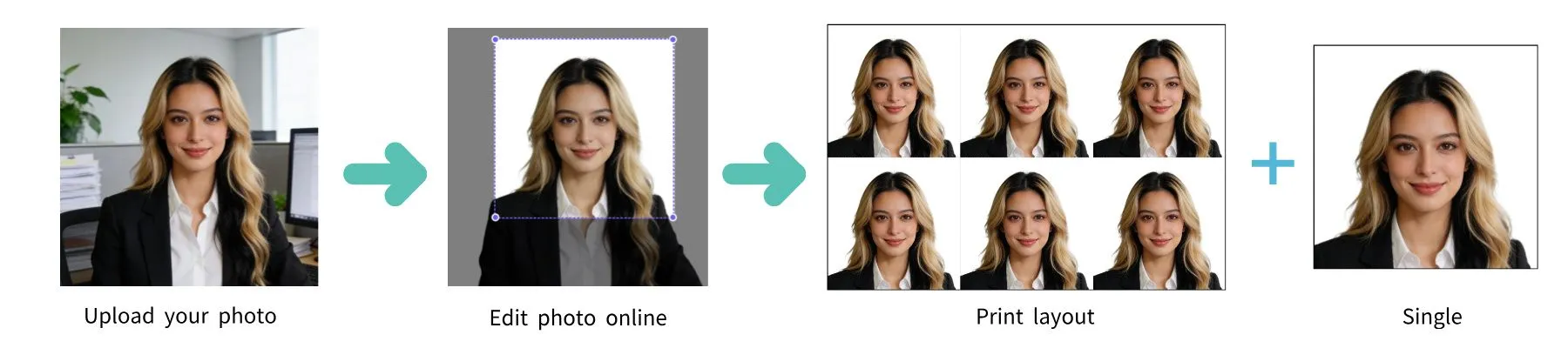
| Requirement | Specification |
|---|---|
| Country | United States |
| Document Type | Citizenship / Naturalization (Form N-400) |
| Photo Size | 2 × 2 inches (51 × 51 mm) |
| Resolution (DPI) | 600 |
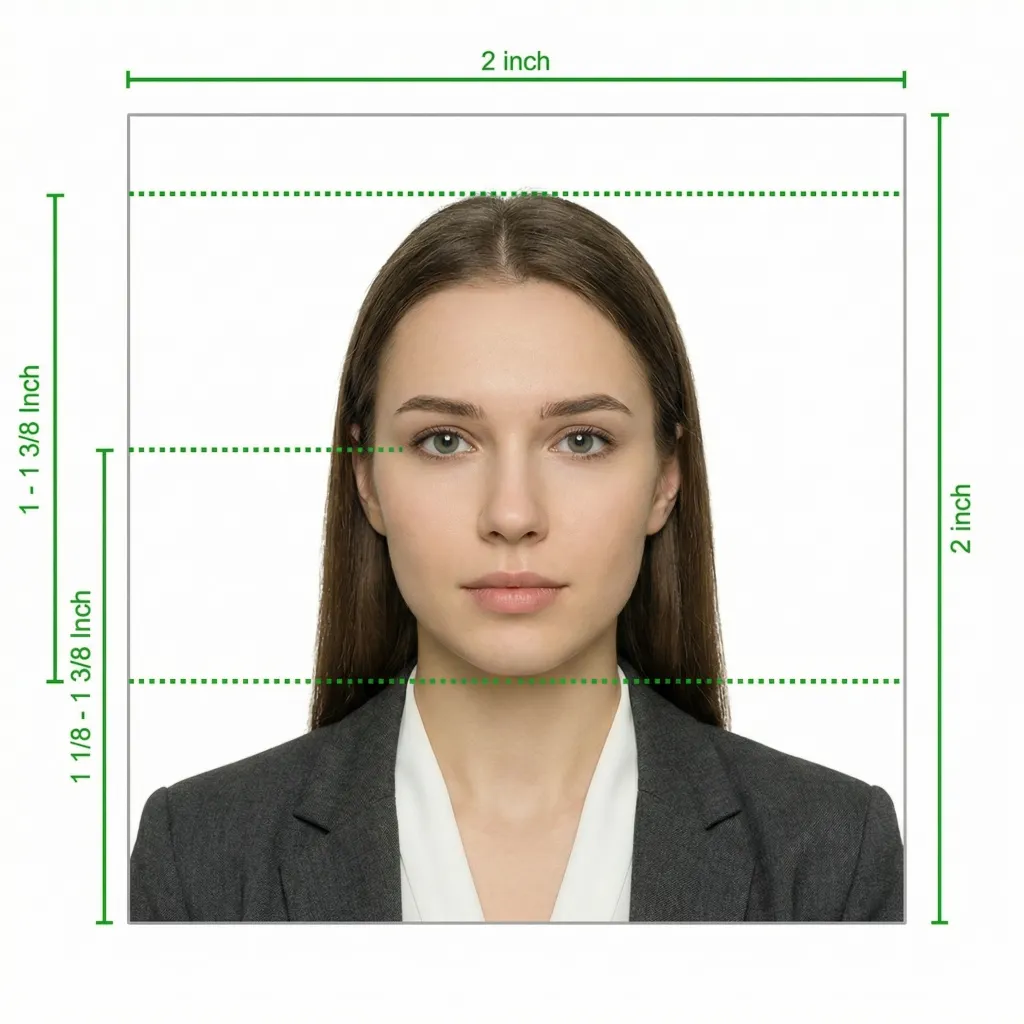
| Head Size | 1 to 1⅜ inches (25–35 mm) from chin to top of head |
| Background Color | White or off-white |
| Printable | Yes — 2 identical photos required |
| Digital for Online Submission | Yes (if filing online) |
| Digital Photo Size | 600 × 600 pixels minimum |
| Photo Paper Type | Matte or glossy |
| Color | Color only |
| Recency | Taken within the last 6 months |
When applying for US citizenship through naturalization using Form N-400 (Application for Naturalization), you may need to provide passport-style photographs as part of your application. The photo requirements for naturalization are the same as those for a US passport: 2x2 inches with a white background.
USCIS generally takes your photograph at the Application Support Center (ASC) during your biometrics appointment. However, based on processing needs, USCIS may request that you submit physical passport photographs after you have already filed your Form N-400. For applicants who reside outside the United States, two passport-style photographs must be submitted with the application.
Glasses are NOT allowed in US citizenship photos. This policy has been in effect since November 1, 2016 and applies to all USCIS photo submissions. Even if you wear glasses every day, you must remove them for the photo. The only exception is a signed statement from your doctor explaining a medical reason why you cannot remove them.
The way you submit your N-400 application affects how your photo is handled:
USCIS typically takes your photograph at the Application Support Center (ASC) during your biometrics appointment, which is scheduled after you file Form N-400. If USCIS determines you are eligible for naturalization, they may use this photograph on your Certificate of Naturalization.
However, based on processing needs, USCIS may send you a request to submit physical passport photographs after you have already filed your application. It is a good idea to have compliant photos ready just in case.
For children applying for a Certificate of Citizenship (Form N-600), the same photo requirements apply:
You don't need a professional studio. Follow these simple steps to take a compliant US citizenship photo at home using your smartphone.
Any modern smartphone camera (iPhone, Samsung Galaxy, Google Pixel, etc.) is more than capable of taking a citizenship-quality photo. Make sure the lens is clean and the camera is set to the highest resolution.
Place your phone on a tripod or ask someone to take the photo for you. Selfies tend to have the wrong angle and distortion.
Stand facing a window with natural daylight for the best even lighting. Avoid direct sunlight, which creates harsh shadows. If using indoor lighting, use multiple light sources from different angles to eliminate shadows.
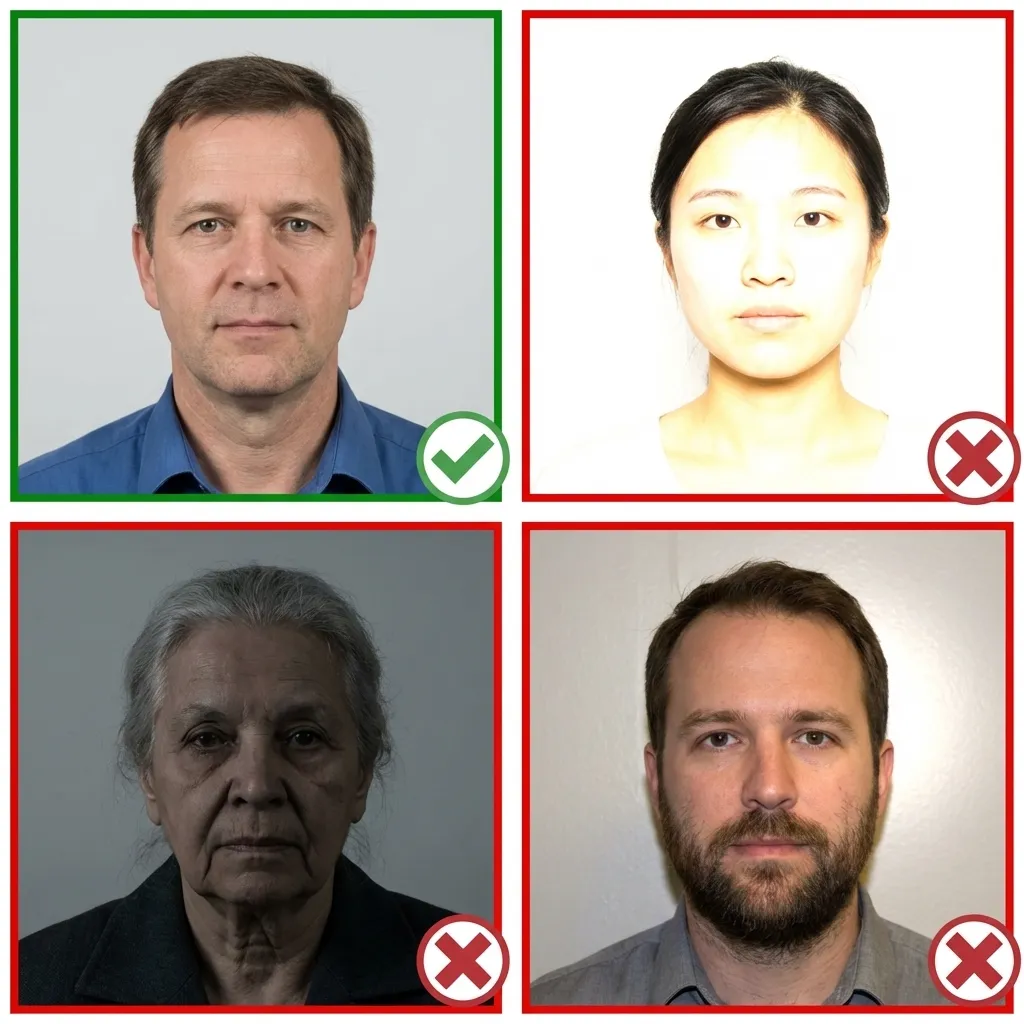
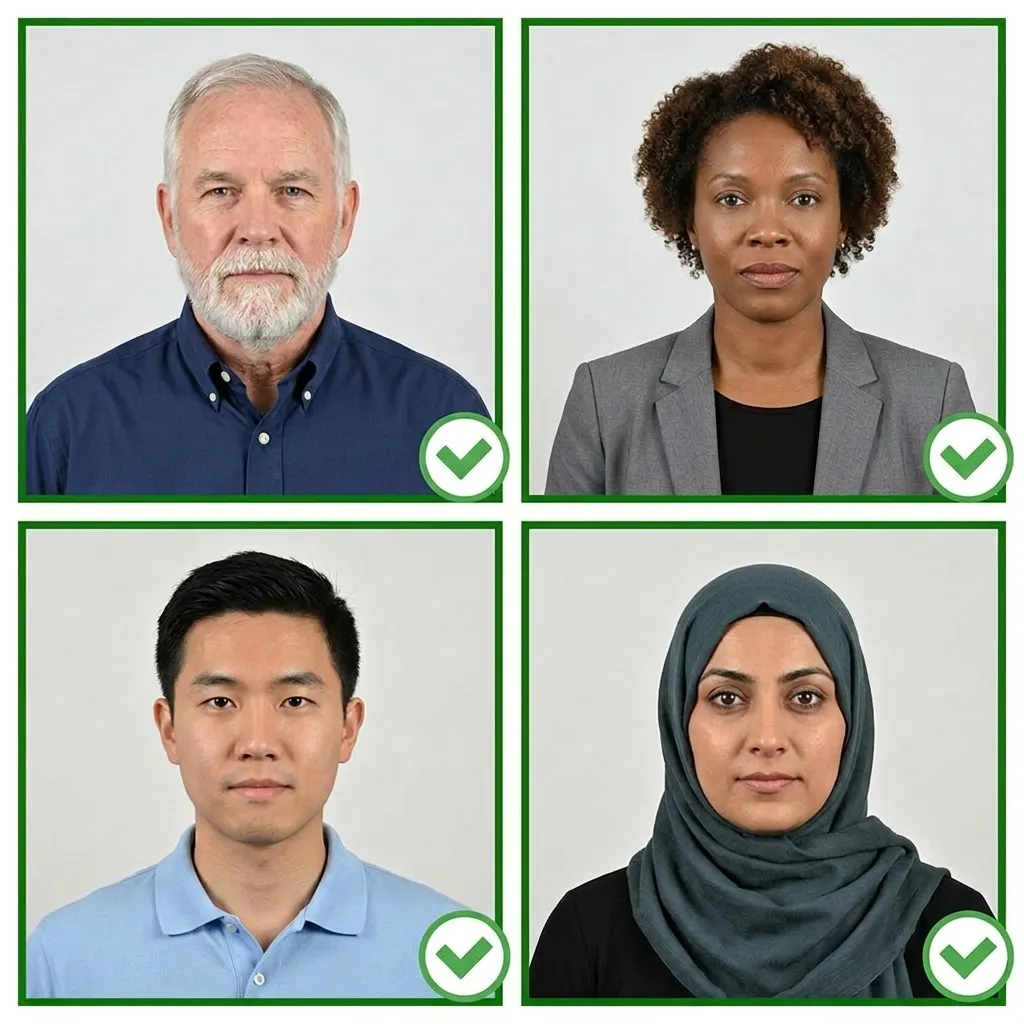
Wear your normal everyday clothing. Avoid uniforms and white tops that blend with the background. If you wear religious head coverings daily, you may keep them on as long as your full face is visible.
Make sure your hair does not cover your eyes or cast shadows on your face.
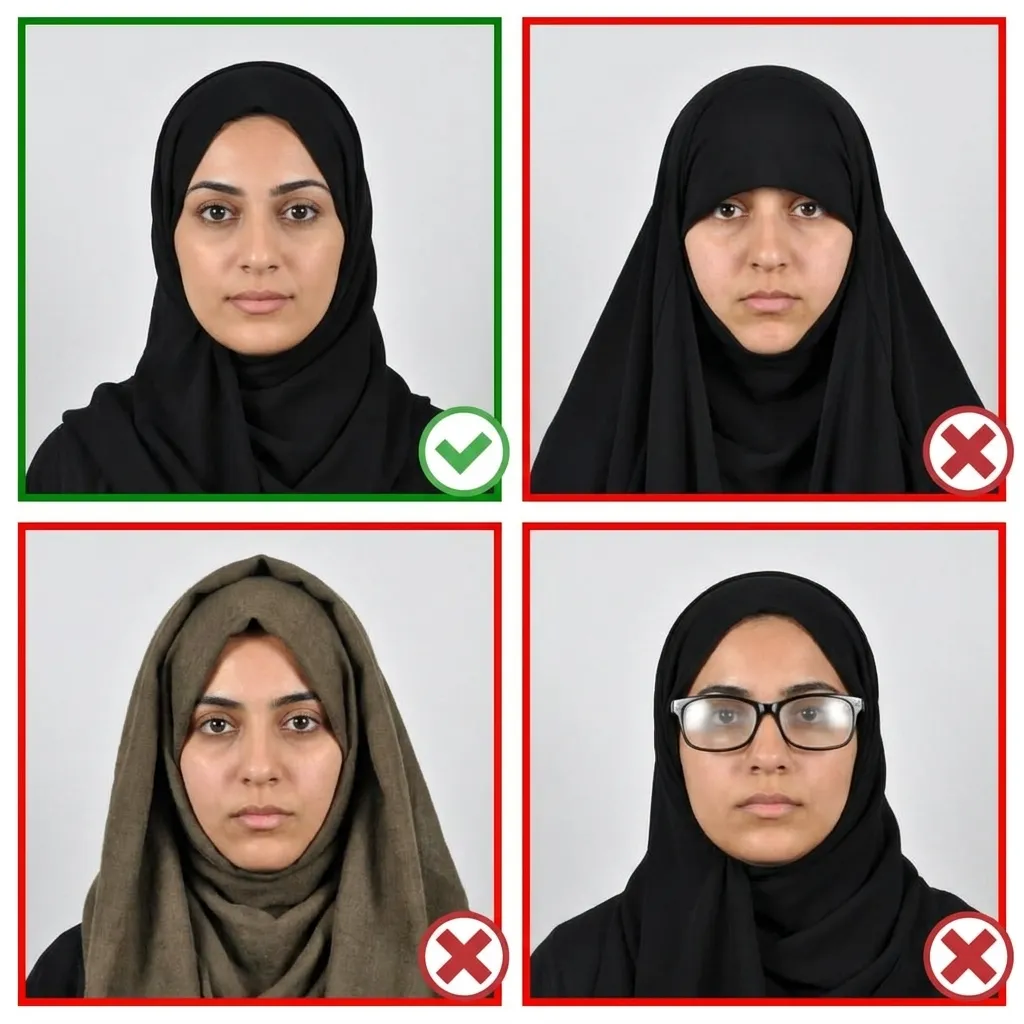
Stand about 4 feet (1.2 meters) in front of the camera with your head facing directly forward. Keep your shoulders relaxed and your head level — not tilted. Ensure your entire face from chin to forehead is visible.
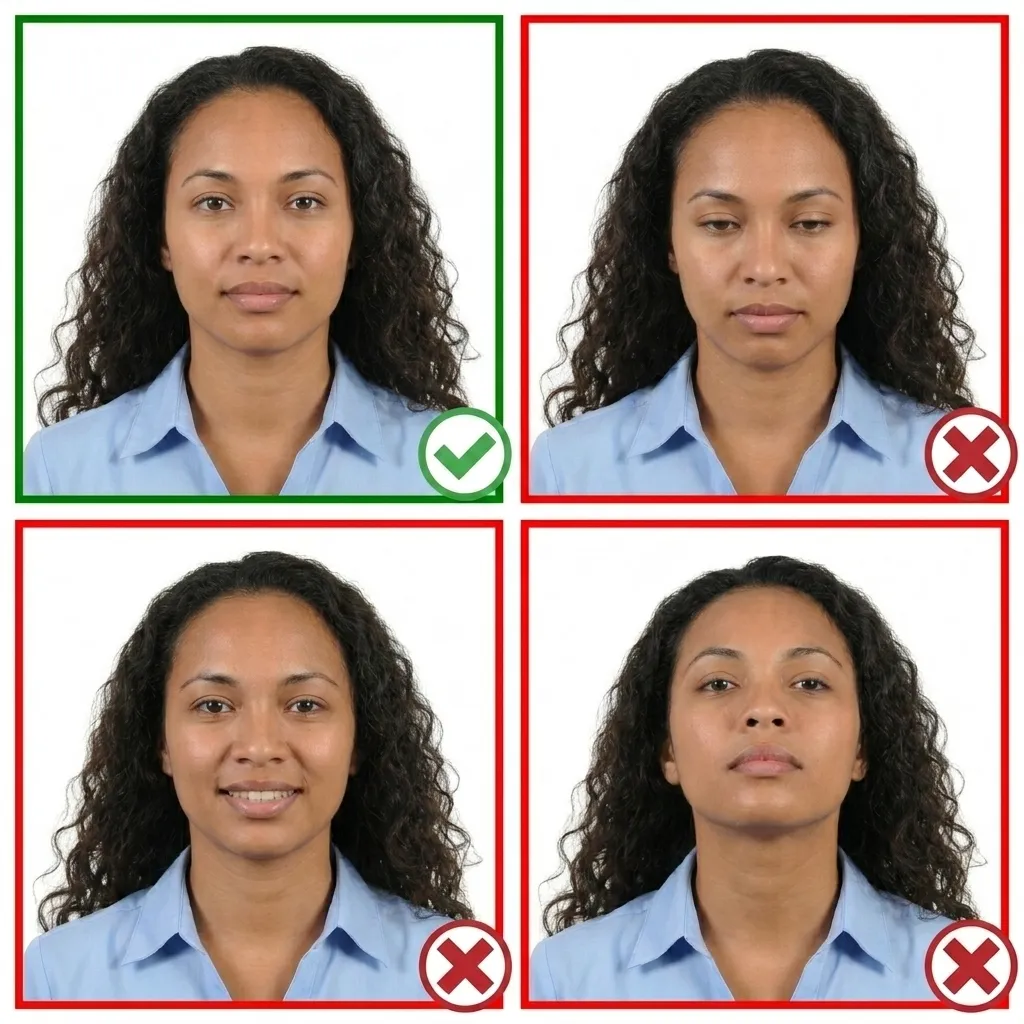
Keep your face relaxed with a neutral expression. Both eyes must be open and your mouth closed. You may have a very slight, natural smile — but no teeth showing and no squinting.
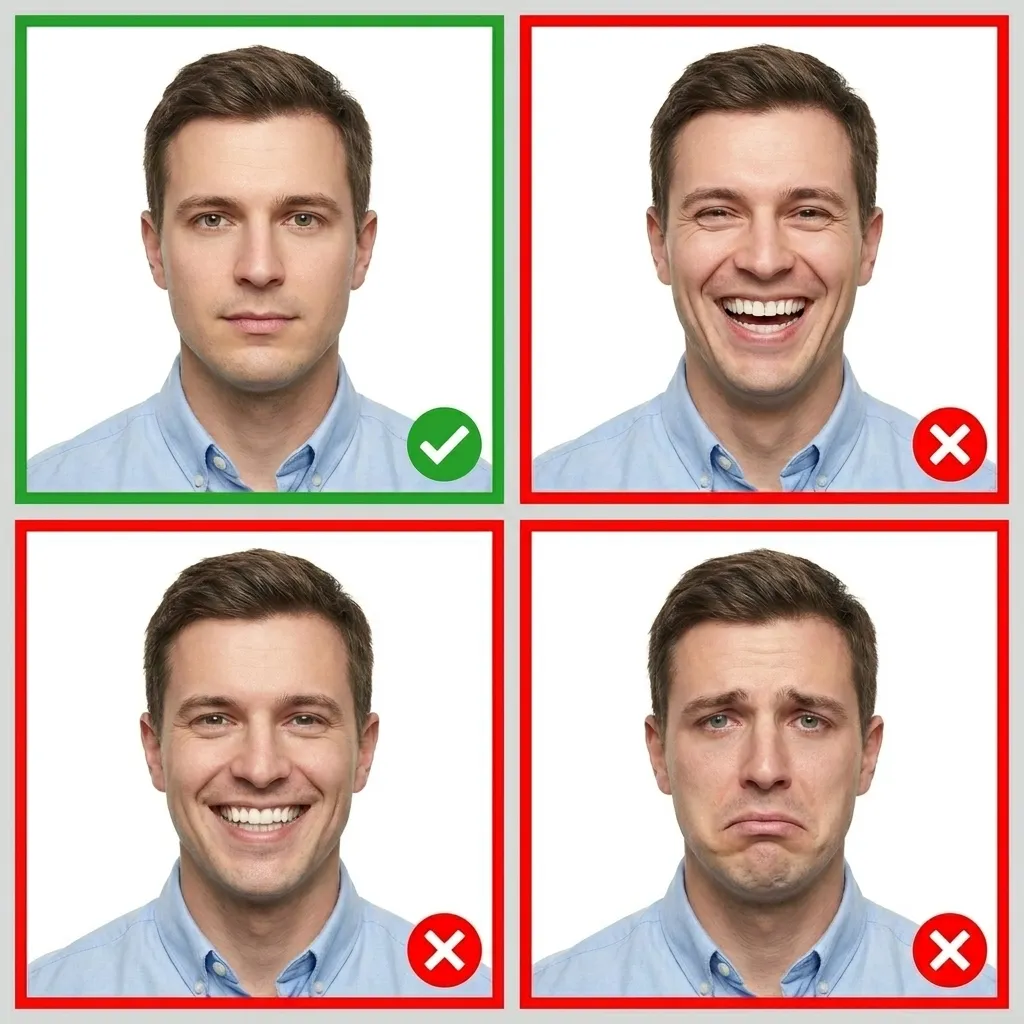
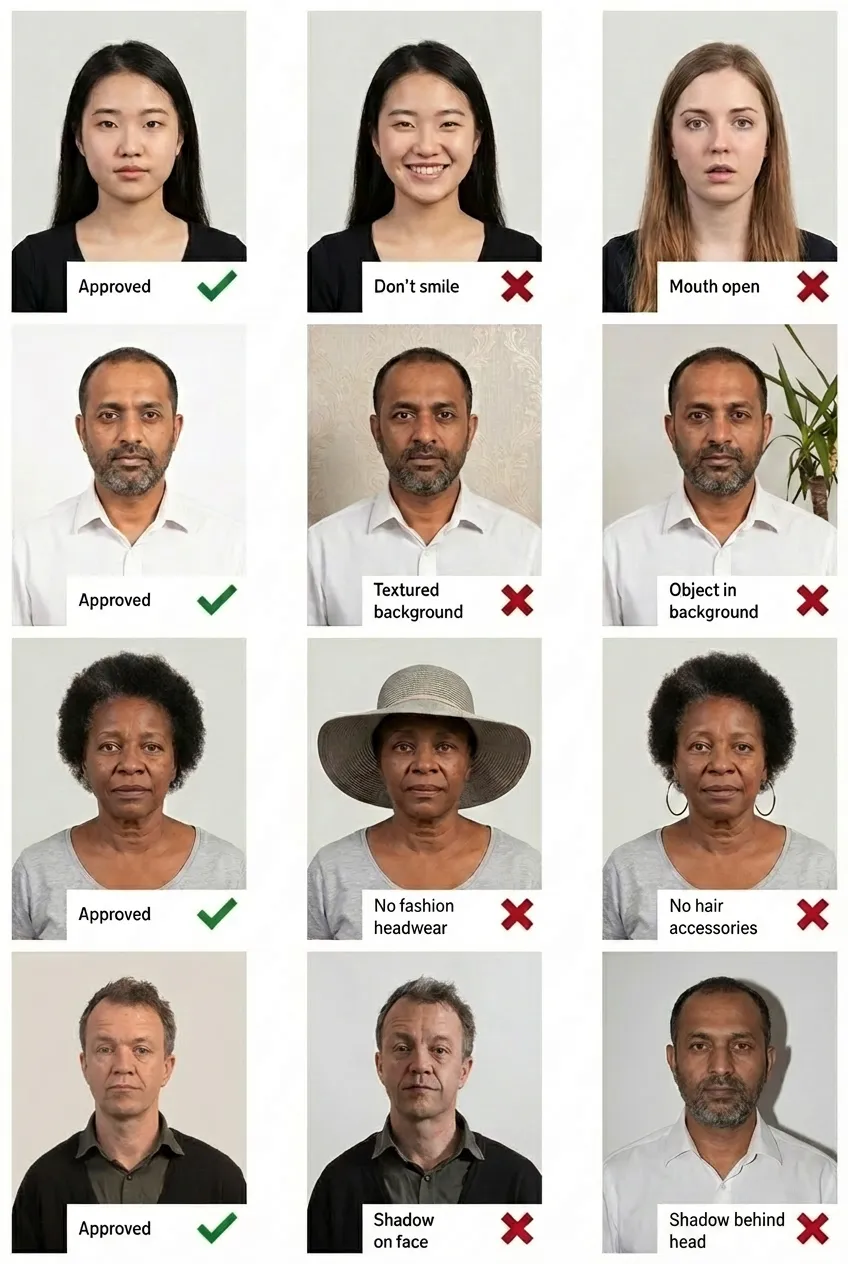
Comparison of acceptable and unacceptable citizenship photos
US citizenship and naturalization photos must be exactly 2x2 inches (51x51 mm), the same size as a US passport photo. Your head must measure between 1 inch and 1-3/8 inches (25-35 mm) from the bottom of your chin to the top of your head.
If you file Form N-400 by paper, you typically need 2 identical printed passport-style photos. If you file online through your USCIS account, you upload 1 digital photo. However, USCIS generally takes your photo at the biometrics appointment (ASC), so photos may not be required with your initial submission. Applicants residing outside the US must submit 2 photos with the application.
Yes, US citizenship photos follow the exact same specifications as US passport photos: 2x2 inches, white or off-white background, color, with the head sized between 1 and 1-3/8 inches from chin to top of head. Both require no glasses and a neutral expression.
USCIS typically takes your photo at the Application Support Center (ASC) during your biometrics appointment, not at the actual naturalization interview. This photo may be used on your Certificate of Naturalization. However, USCIS may also request physical passport photographs based on processing needs, so it is wise to have compliant photos ready.
No. Glasses are not allowed in US citizenship photos. This policy has been in effect since November 1, 2016 and applies to all USCIS photos, including those for naturalization. The only exception is a signed medical statement from a doctor explaining why you cannot remove them.
Yes, you can file Form N-400 online by creating a USCIS online account. Online filing allows you to pay fees online, check case status, receive notifications, and upload a digital photo. Note that if you are requesting a reduced fee or fee waiver, you must file a paper Form N-400 and cannot file online.
The background must be plain white or off-white. No patterns, objects, shadows, or other people should be visible. If you don't have a white wall, don't worry — our tool will automatically replace your background with white.
If your appearance has significantly changed since your green card photo was taken — due to weight changes, facial hair, facial piercings, or other changes — you must submit a new photo that reflects your current appearance. The photo must be taken within the last 6 months.