Everything you need to know about India Aadhaar Card photo requirements, including exact dimensions, background color, enrollment process, and how to prepare for your Aadhaar enrollment or photo update at a UIDAI-authorized center.
| Requirement | Specification |
|---|---|
| Country | India (Bharat) |
| Document Type | Aadhaar Card (UIDAI) |
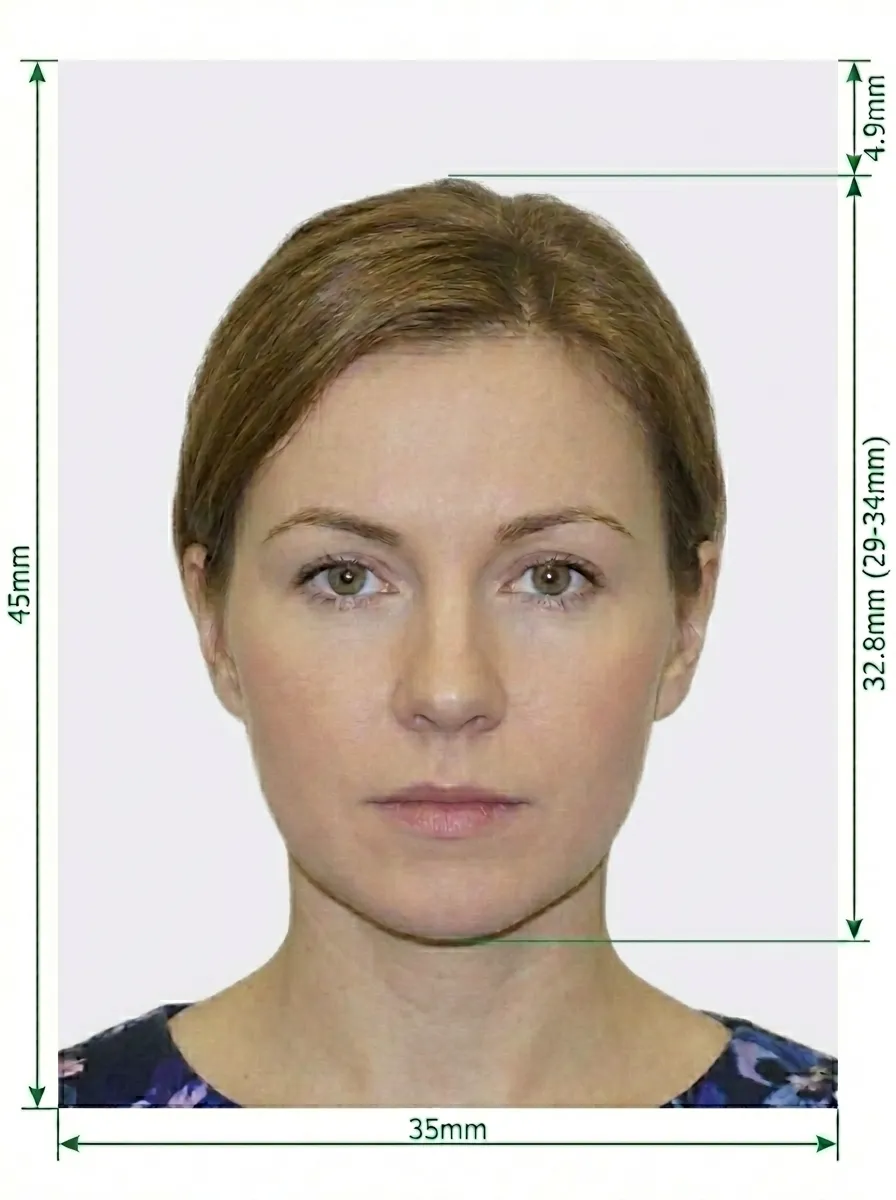
| Photo Size | 35 × 45 mm (3.5 × 4.5 cm) |
| Resolution (DPI) | 300 |
| Head Size | Face clearly visible, centered in the frame |
| Background Color | White, plain and uniform |
| Digital Format | JPEG |
| Maximum File Size | 50 KB (for online upload) |
| Color | Color only (correct skin tone, no red-eye) |
| Capture Method | Typically captured LIVE at enrollment center via AEK |
| Managing Authority | UIDAI (Unique Identification Authority of India) |
The Aadhaar Card is issued by the Unique Identification Authority of India (UIDAI). Below is a comprehensive guide to the photo requirements for Aadhaar enrollment and photo updates.
If you need to update the photo on your existing Aadhaar card:
Sunglasses and tinted glasses are strictly not allowed. Regular prescription glasses may be accepted at some centers, but it is recommended to remove glasses to ensure clear visibility of your eyes and to avoid glare or reflections.
While your Aadhaar photo is typically captured live at the enrollment center, you can still prepare by following these guidelines. If you need a physical photo to bring, here is how to take one at home.
Any modern smartphone camera (iPhone, Samsung Galaxy, Google Pixel, etc.) is more than capable of taking an Aadhaar-quality photo. Make sure the lens is clean and the camera is set to the highest resolution.
Place your phone on a tripod or ask someone to take the photo for you. Selfies tend to have the wrong angle and distortion.
Stand facing a window with natural daylight for the best even lighting. Avoid direct sunlight, which creates harsh shadows. If using indoor lighting, use multiple light sources from different angles to eliminate shadows on both sides of your face.
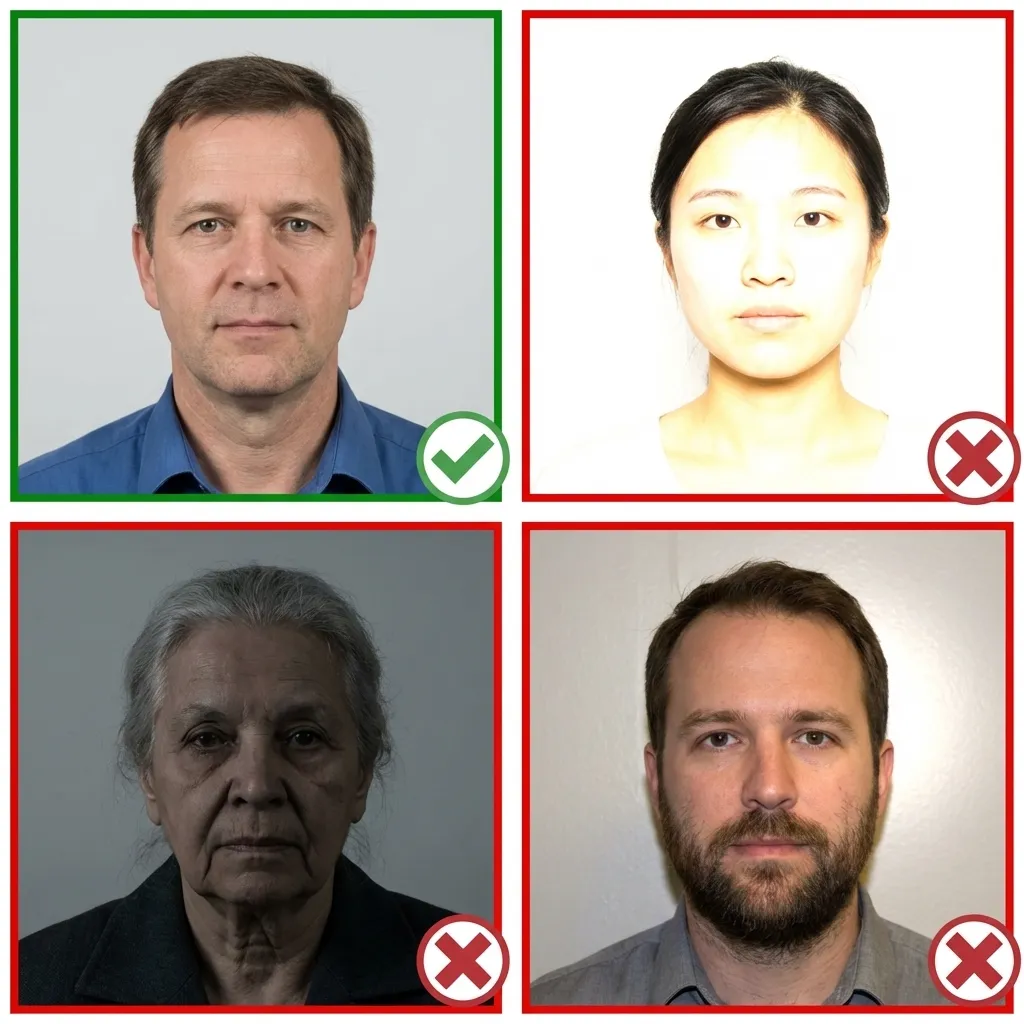
Wear your normal everyday clothing. Avoid uniforms and white tops that blend with the background. Make sure your hair does not cover your eyes or cast shadows on your face.
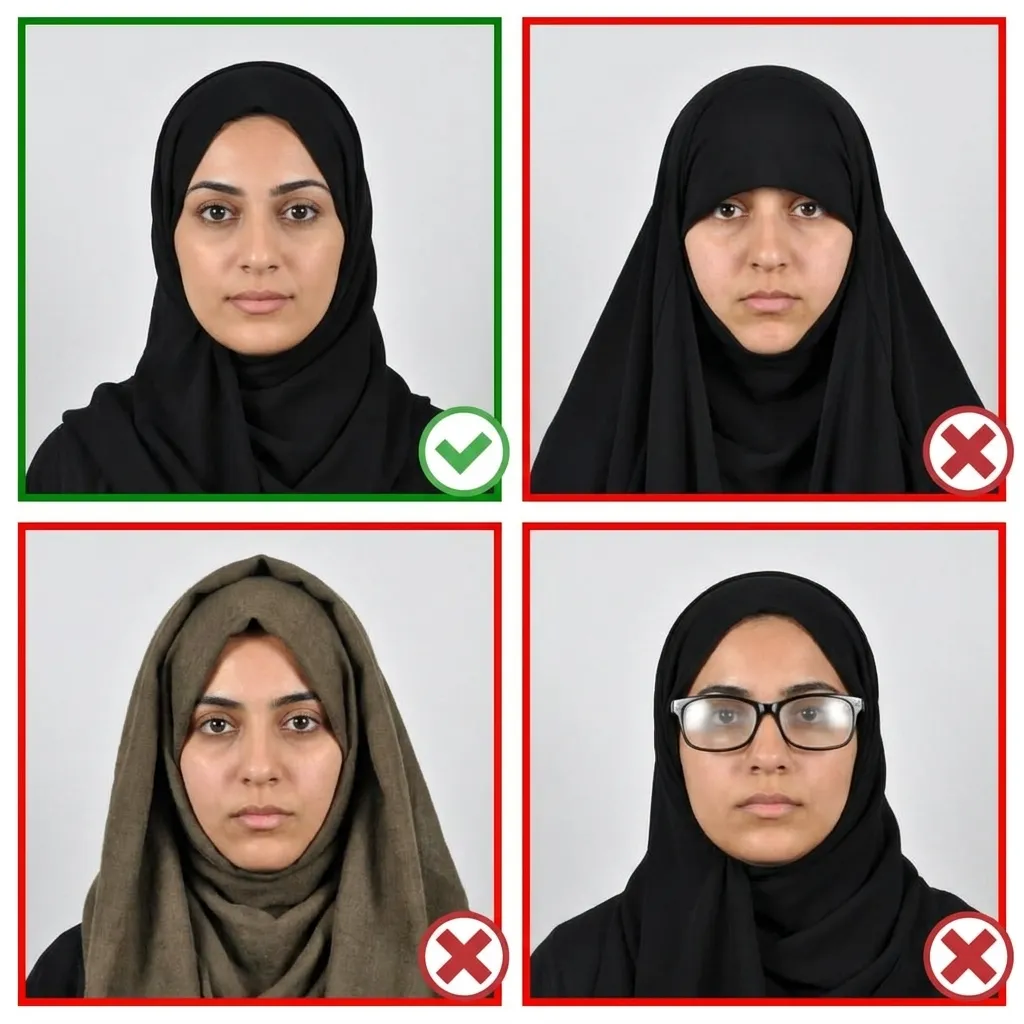
Stand about 1.5 meters in front of the camera with your head facing directly forward. Keep your shoulders relaxed and your head level — not tilted. Ensure your entire face from chin to forehead is clearly visible on both sides.
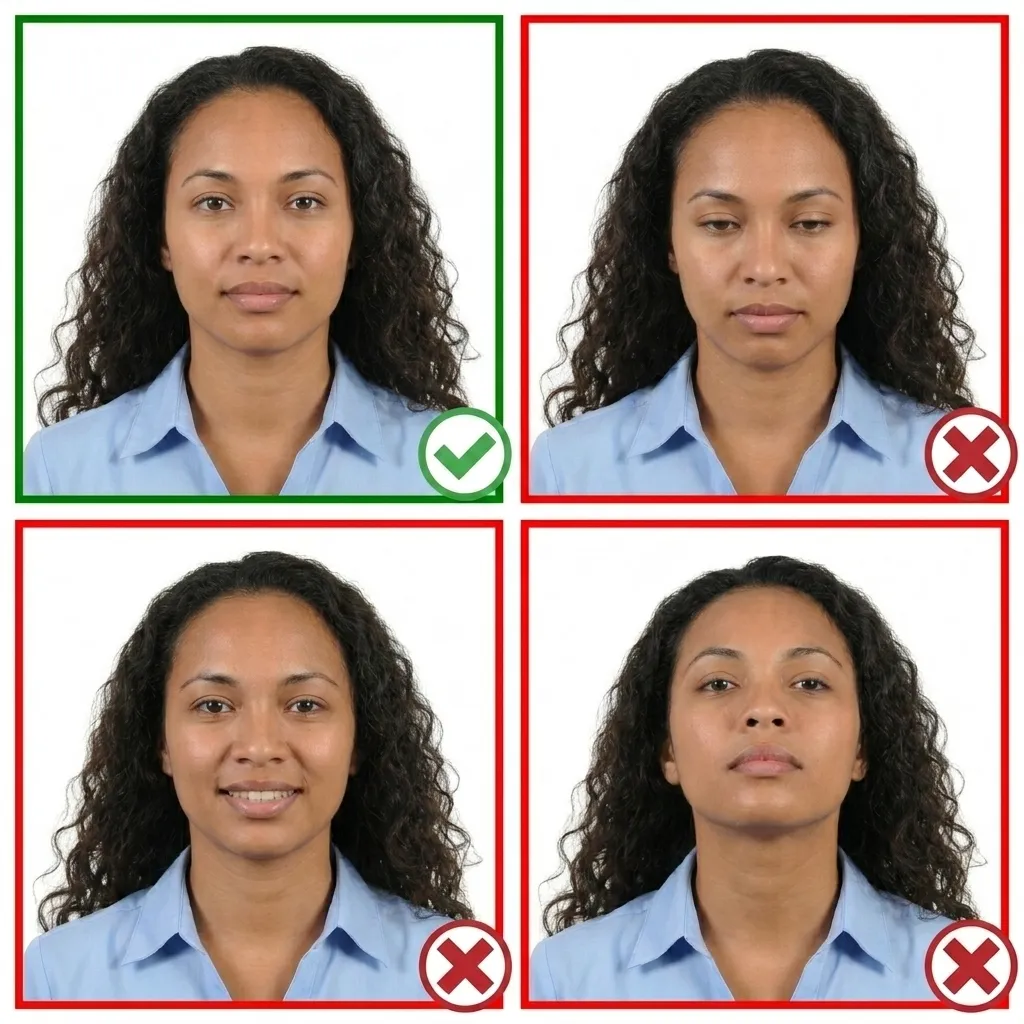
Keep your face relaxed with a neutral expression. Both eyes must be open and your mouth closed. The horizontal line between your eyes should be parallel to the top edge of the photo.
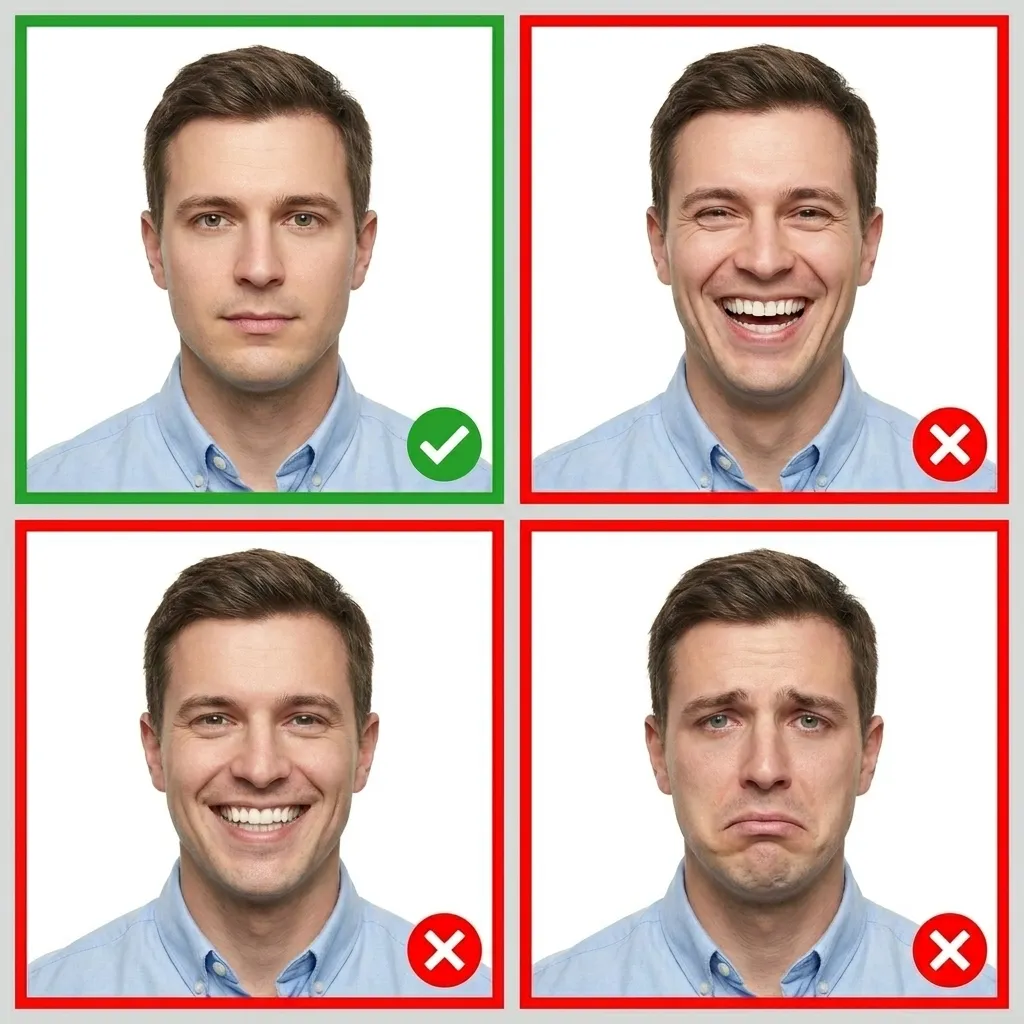
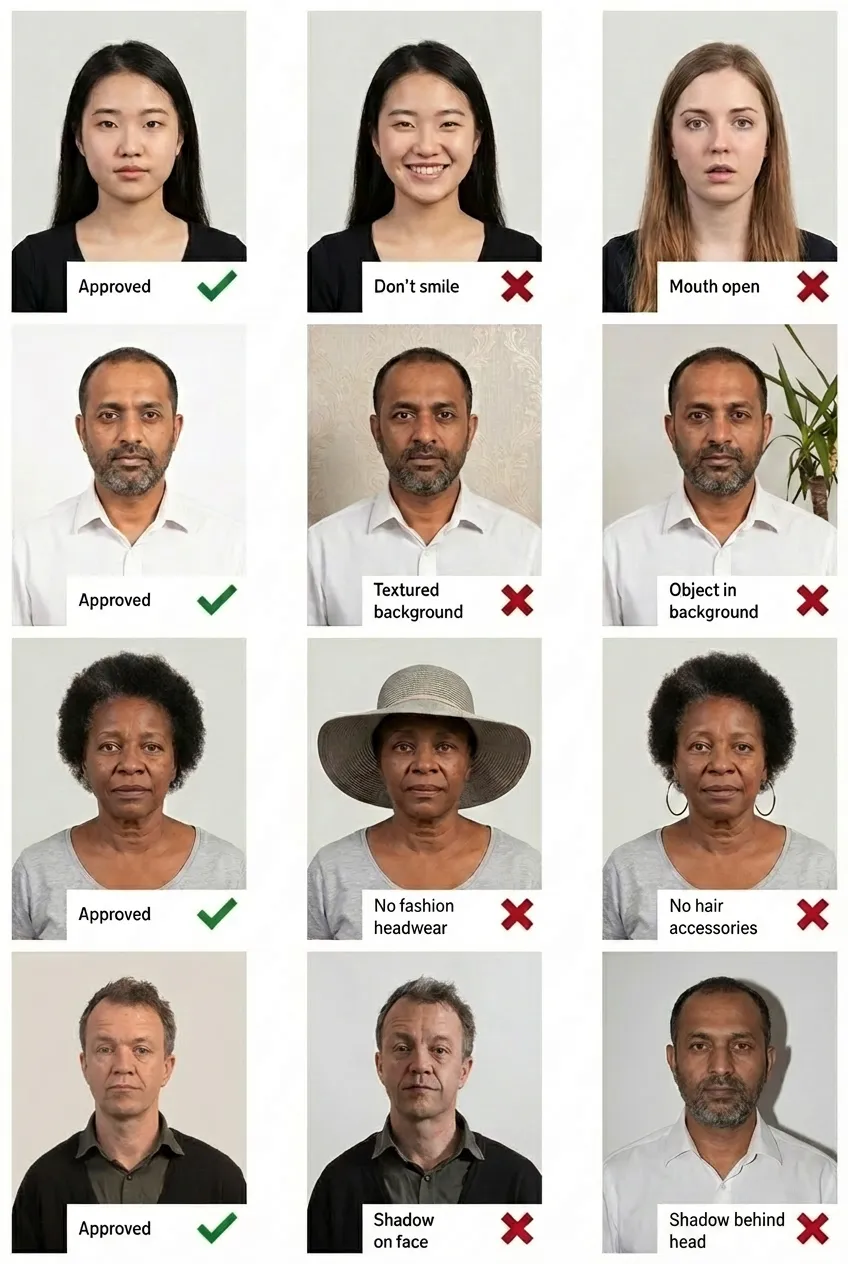
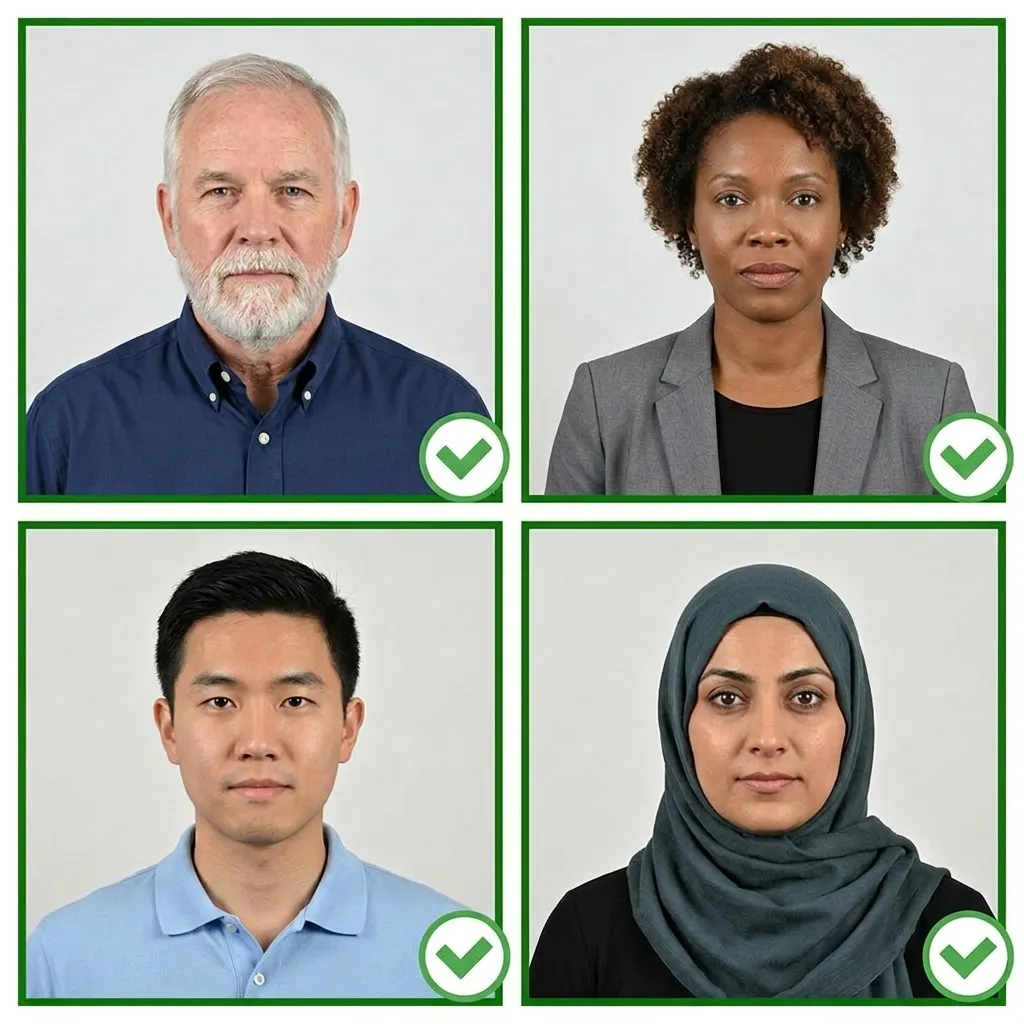
Comparison of acceptable and unacceptable ID photos
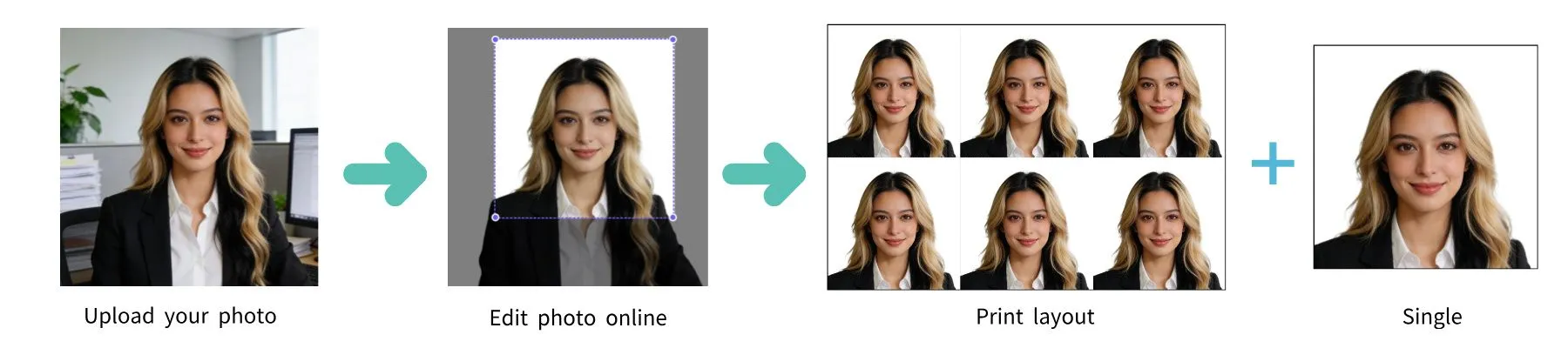
An India Aadhaar Card photo must be 35×45 mm (3.5×4.5 cm) in portrait orientation with a plain white background. This is the standard photo size accepted by UIDAI for Aadhaar enrollment and updates.
Yes, for Aadhaar enrollment, your photo is typically captured live at the Aadhaar Enrollment Center using the Aadhaar Enrollment Kit (AEK). This is a web camera setup specifically designed for biometric enrollment. You may bring a physical 35×45 mm color photo as a backup in some cases.
The background must be plain white. No patterns, objects, shadows, or other people should be visible. If you need to prepare a physical photo, our tool will automatically replace your background with the correct white color.
No. Sunglasses and tinted glasses are strictly not allowed. Regular prescription glasses may be accepted at some enrollment centers, but it is recommended to remove glasses to ensure clear visibility of your eyes without any glare.
No hats or head coverings are allowed, except for religious reasons. If you wear a turban for religious purposes, your full face must still be clearly visible from the bottom of your chin to the top of your forehead and ear to ear.
Yes, you can update your Aadhaar photo by visiting an Aadhaar Enrollment/Update Center. A new photo will be captured live during the update process. There is a nominal fee for the update. You can also check the update status online using your URN.
The enrollment process itself takes about 10–15 minutes at the center, which includes capturing your photo, fingerprints (all 10 fingers), and iris scan (both eyes). After enrollment, it typically takes 60–90 days for the Aadhaar card to be generated and delivered.
If you need a printed photo to bring to the enrollment center, you can take one with your smartphone and use PassportPhoto.help to crop it to the correct 35×45 mm size with a white background. However, most enrollment centers will capture your photo live using their own equipment.