Everything you need to know about Belgium electronic identity card (eID / identiteitskaart / carte d'identité) photo requirements, including exact dimensions, background color, and how to take a compliant photo.
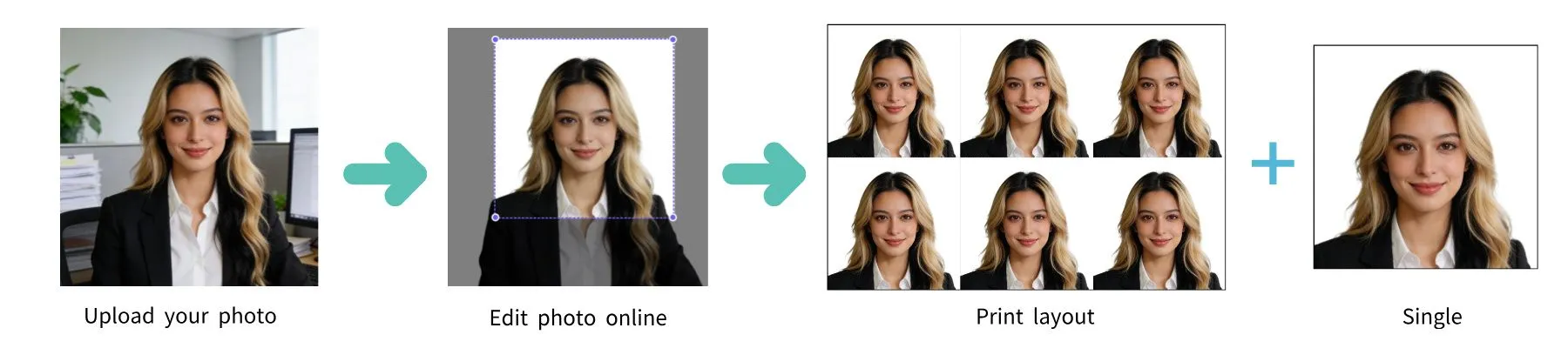
| Requirement | Specification |
|---|---|
| Country | Belgium / België / Belgique / Belgien |
| Document Type | Electronic Identity Card (eID / identiteitskaart / carte d'identité) |
| Photo Size | 35 × 45 mm (1.38 × 1.77 inches) |
| Resolution (DPI) | 600 |
| Head Size | ~34.5 mm from chin to top of hair–36 mm from chin to crown |
| Top Margin | Minimum 3 mm from top edge to top of hair |
| Face Coverage | 70–80% of the photo |
| Background Color | White or light gray |
| Digital Photo Size | Minimum 240 × 320 pixels |
| File Format | JPEG |
| Card Format | ID-1 (credit card size), with parent contact info (credit card size), polycarbonate |
| Color | Color only |
| Quantity | 1 photo |
| Recency | Taken within the last 6 months |
The Belgian electronic identity card (eID) follows the ICAO 9303 biometric standard. The card contains an electronic chip with your biometric data, so the photo must meet strict quality requirements.
Glasses must be removed for the eID photo. No eyeglasses, sunglasses, or tinted lenses are permitted. This is stricter than the Belgian passport requirement.
Any smartphone camera works. Clean lens, highest resolution, have someone take the photo.
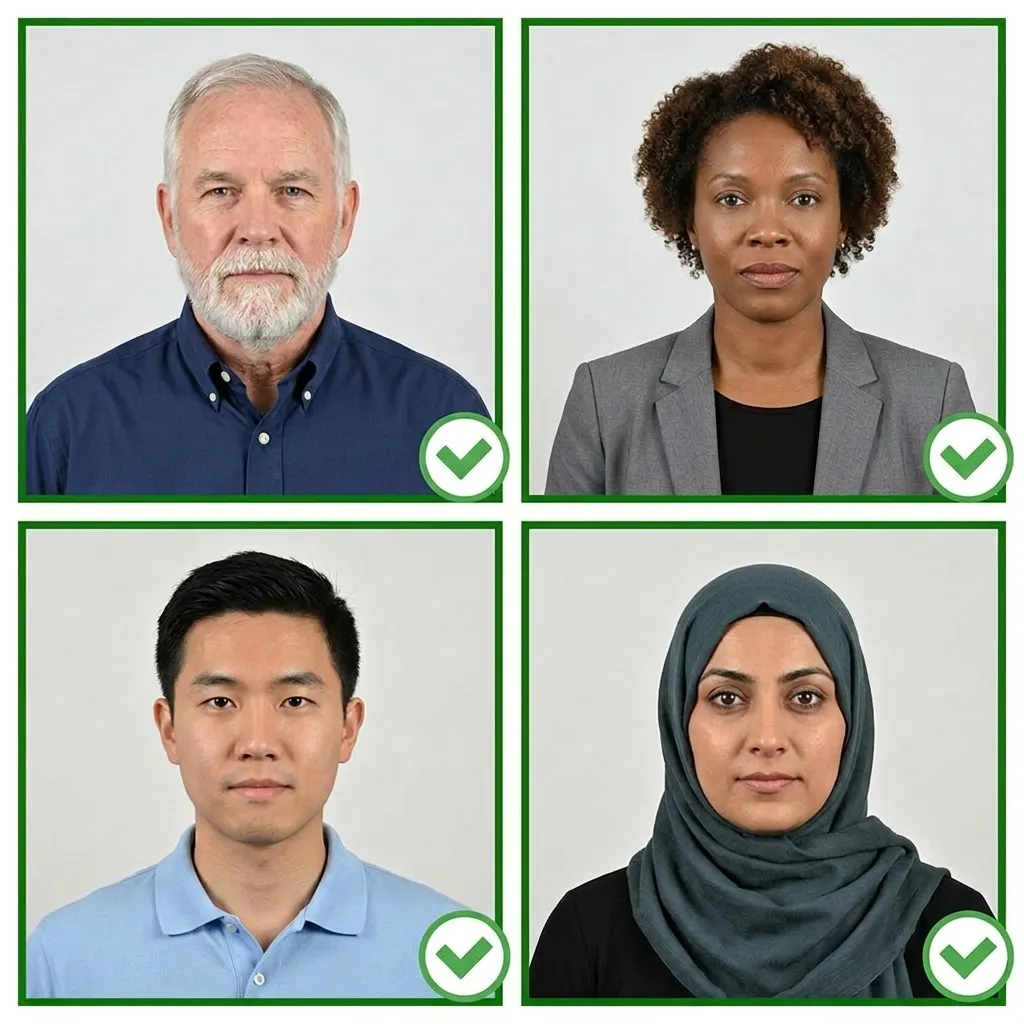
Face a window with natural daylight. Even, shadow-free lighting is essential.
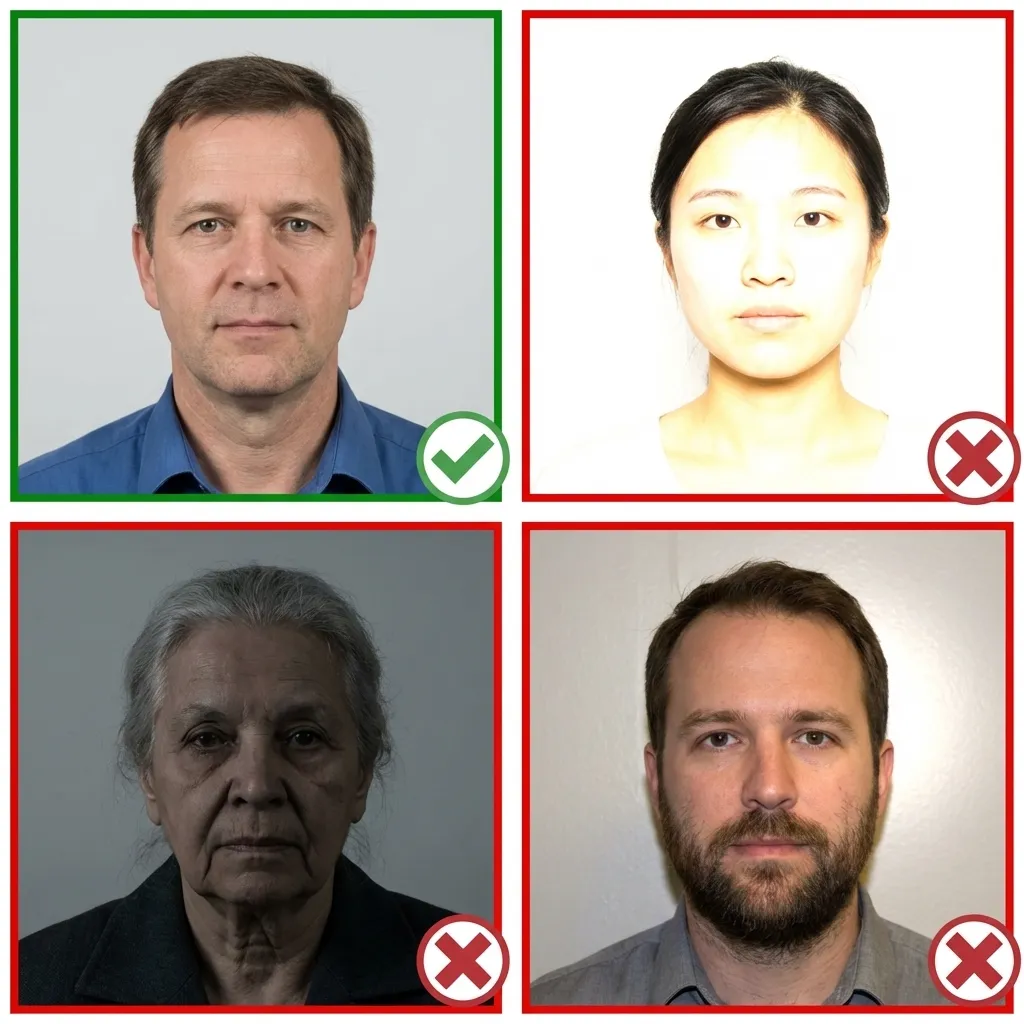
Normal clothing. No uniforms. Remove glasses. Hair must not cover eyes.
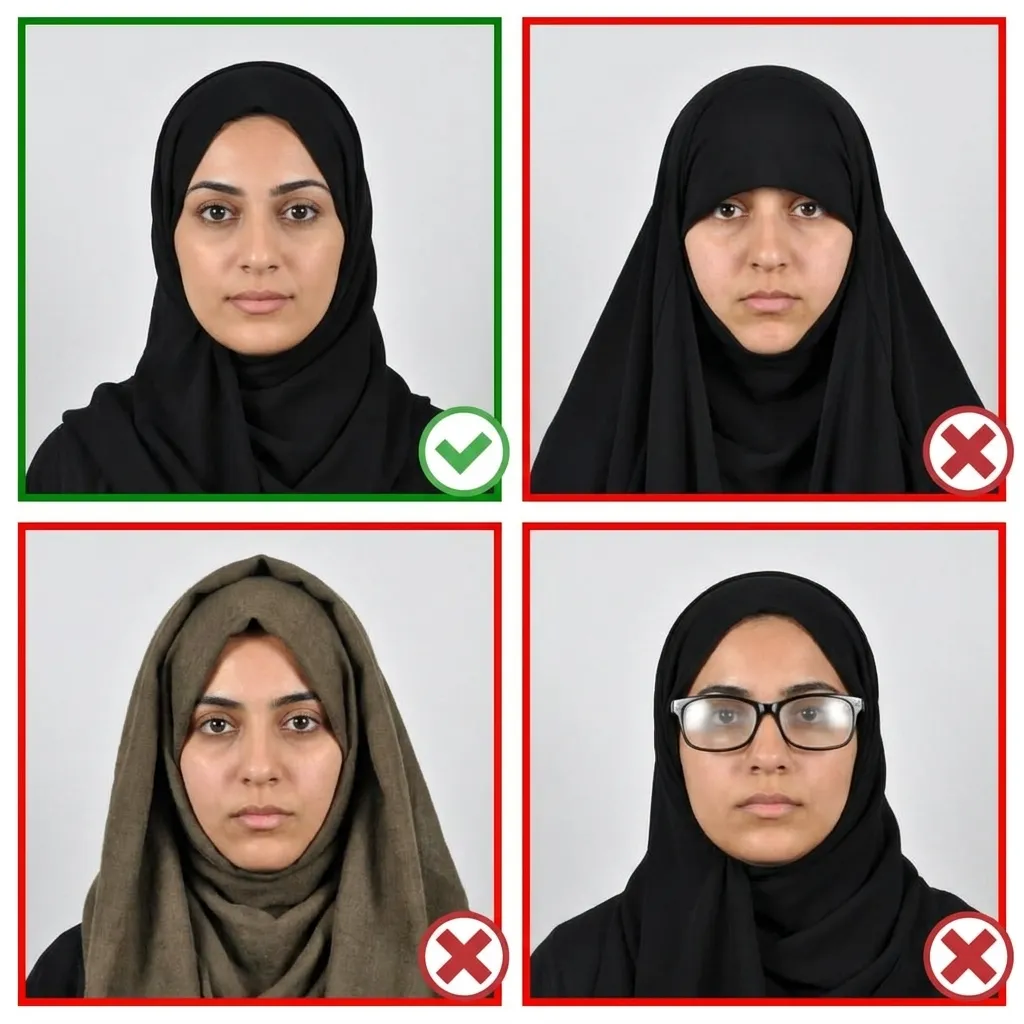
Head facing forward, shoulders straight, 1.2m from camera.
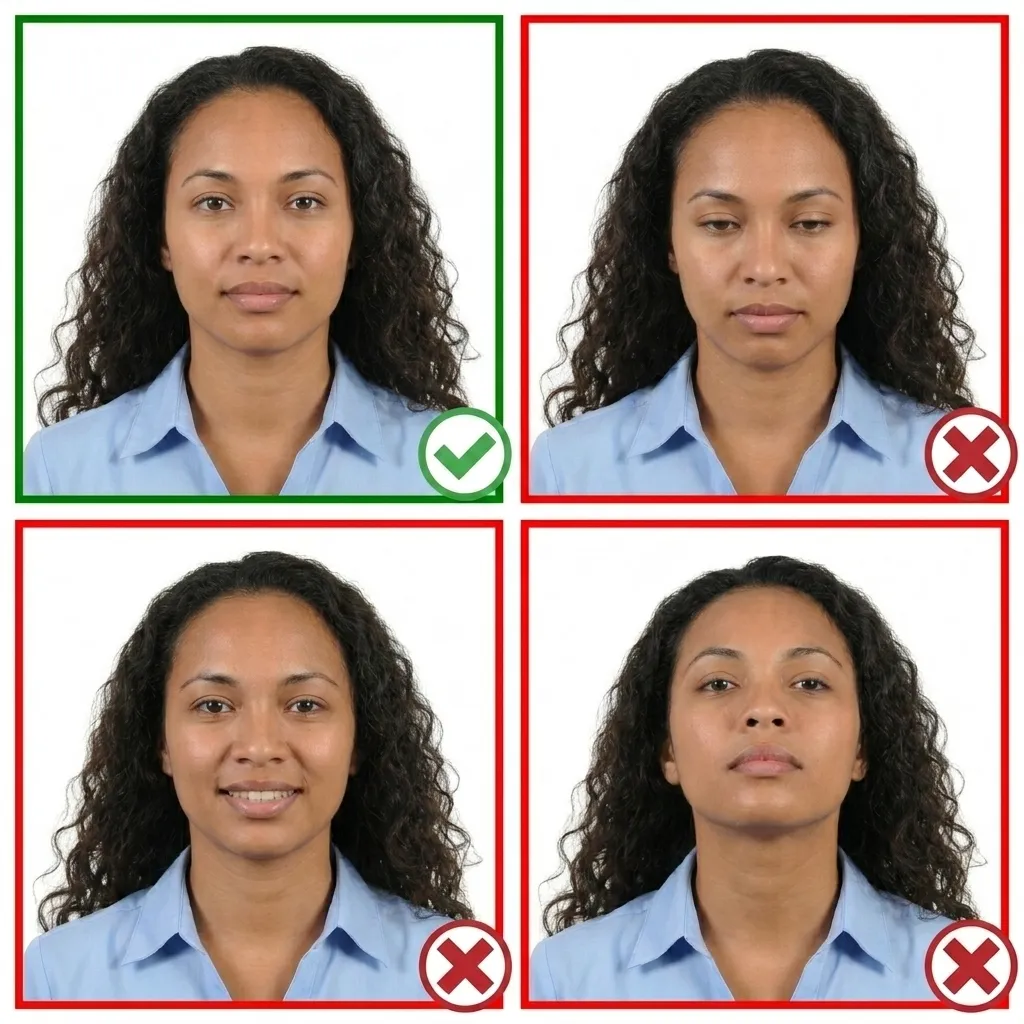
Both eyes open, mouth closed, neutral expression.
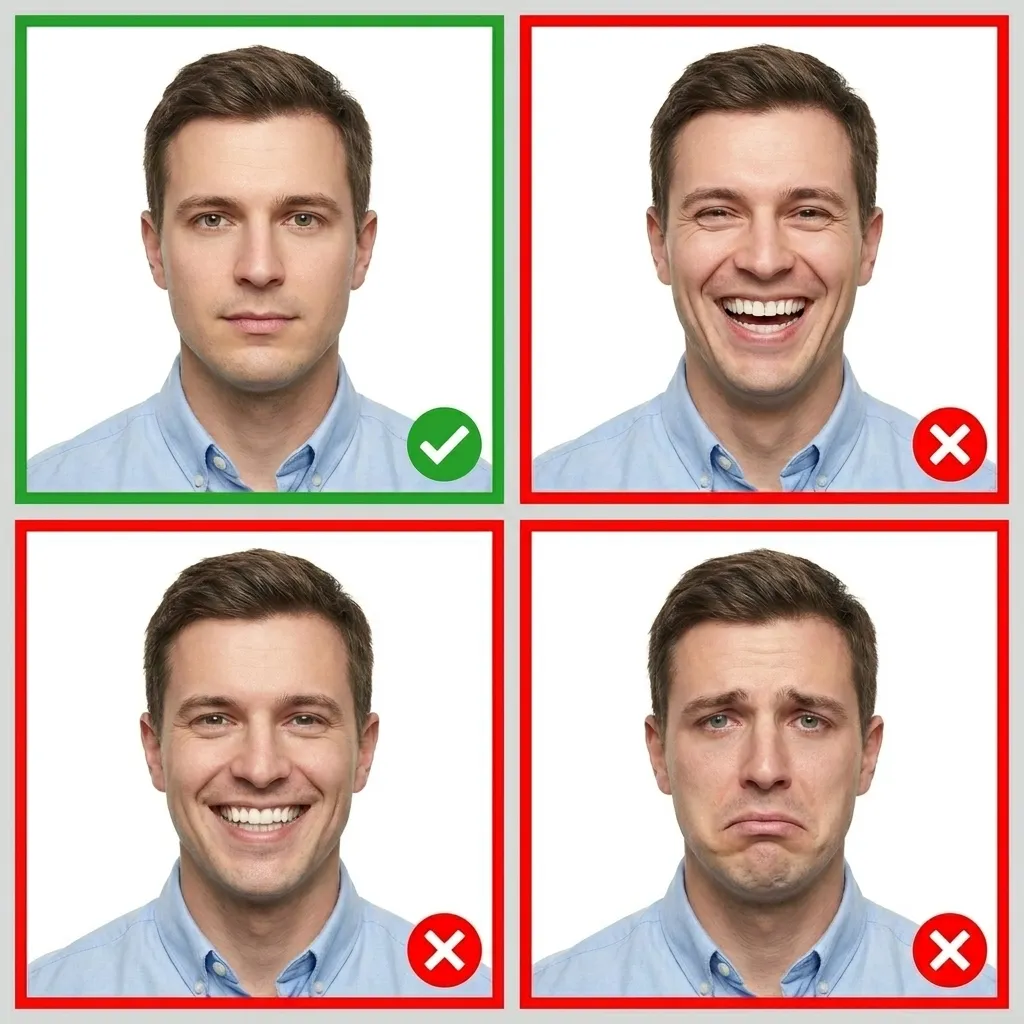
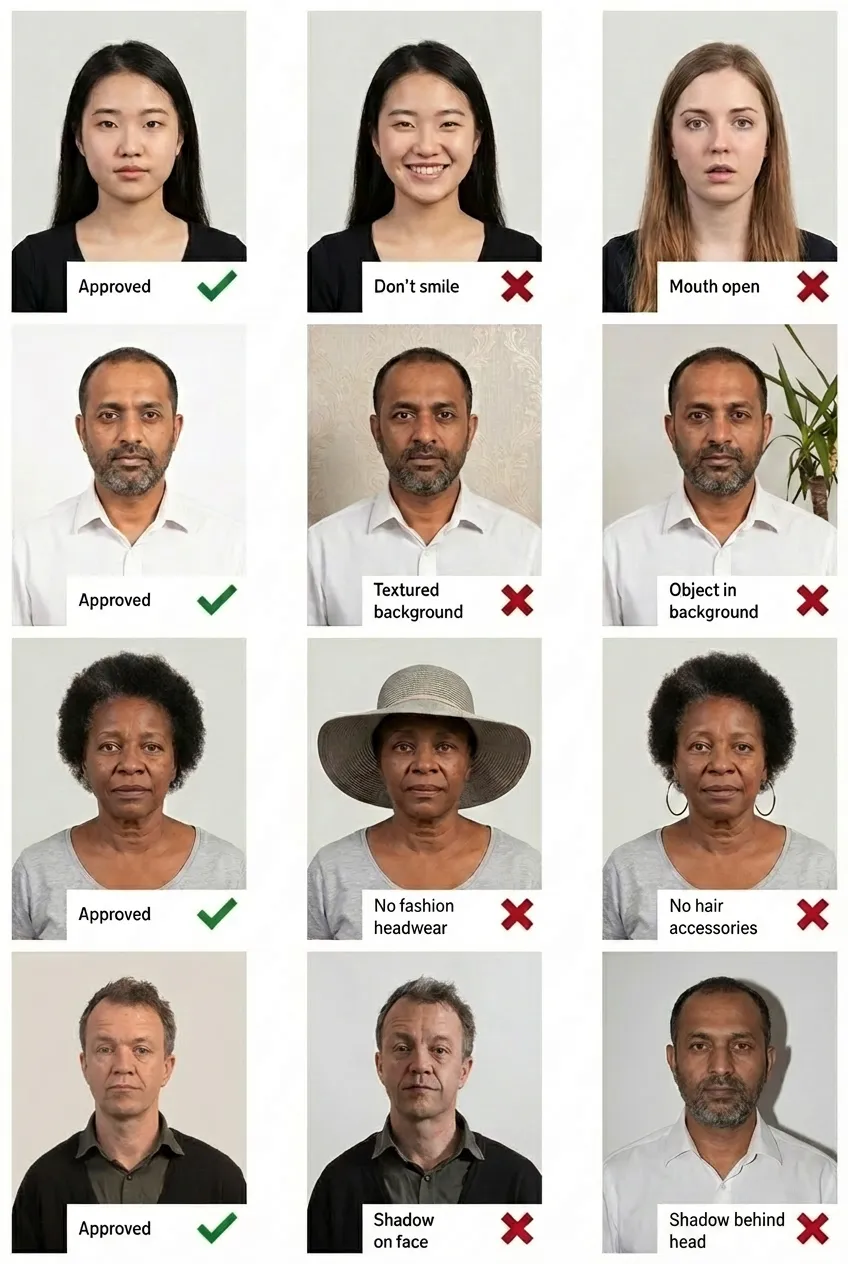
Comparison of acceptable and unacceptable ID card photos
35×45mm with a white or light gray background. Glasses must be removed. Head size: 31.5–36mm from chin to crown.
No. Glasses must be removed for the Belgium eID photo — this is stricter than the passport photo requirement.
At your local municipality office (gemeente/commune). Belgian citizens aged 12+ are required to have an eID.
Yes! Upload your smartphone photo to PassportPhoto.help and our AI will handle cropping, background, and compliance.