Everything you need to know about Bangladesh e-Visa photo requirements for the online visa application via visa.gov.bd, including digital photo specs, file size limits, and how to prepare your photo.
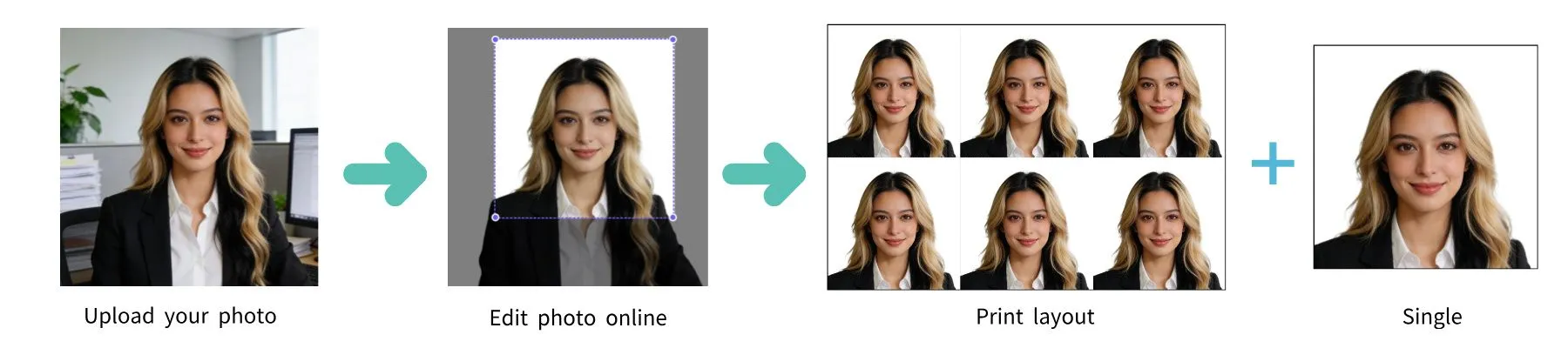
| Requirement | Specification |
|---|---|
| Country | Bangladesh (বাংলাদেশ) |
| Document Type | E-Visa (Electronic Visa) |
| Photo Size | 35 × 45 mm (1.38 × 1.77 inches) |
| Resolution (DPI) | 600 |
| Digital Photo Size | 826 × 1062 pixels (at 600 DPI) |
| Head Height | ~34.5 mm from chin to top of hair |
| Top Margin | ~3 mm from top edge to top of hair |
| Background Color | Plain white |
| Digital File Format | JPEG |
| Max File Size | 300 KB |
| Color | Color only |
| Application Portal | visa.gov.bd |
| Recency | Not older than 6 months |
The Bangladesh e-Visa is available for foreign nationals visiting Bangladesh. The photo is uploaded digitally during the online application at visa.gov.bd. Below are the detailed requirements.
Any smartphone camera works. Clean the lens, use highest resolution, have someone take the photo.
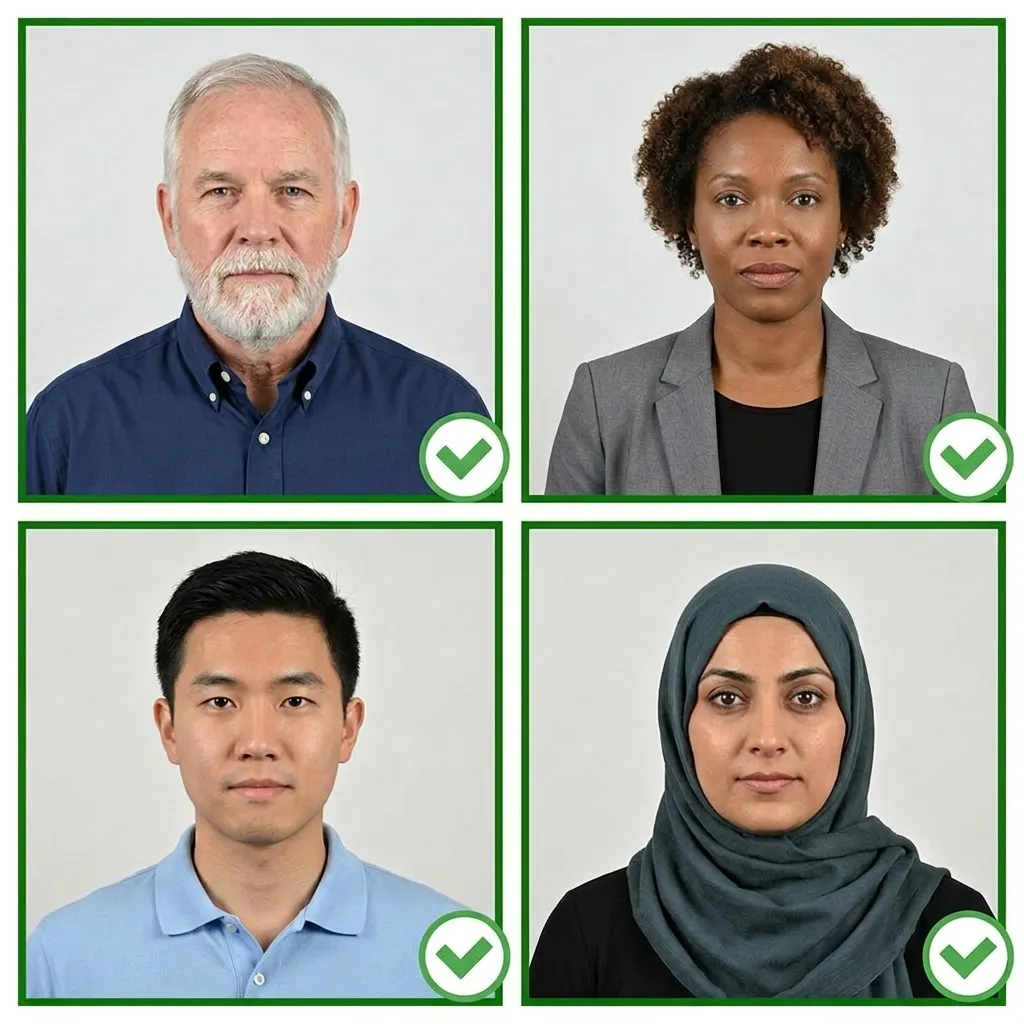
Stand facing a window with natural daylight. Avoid shadows.
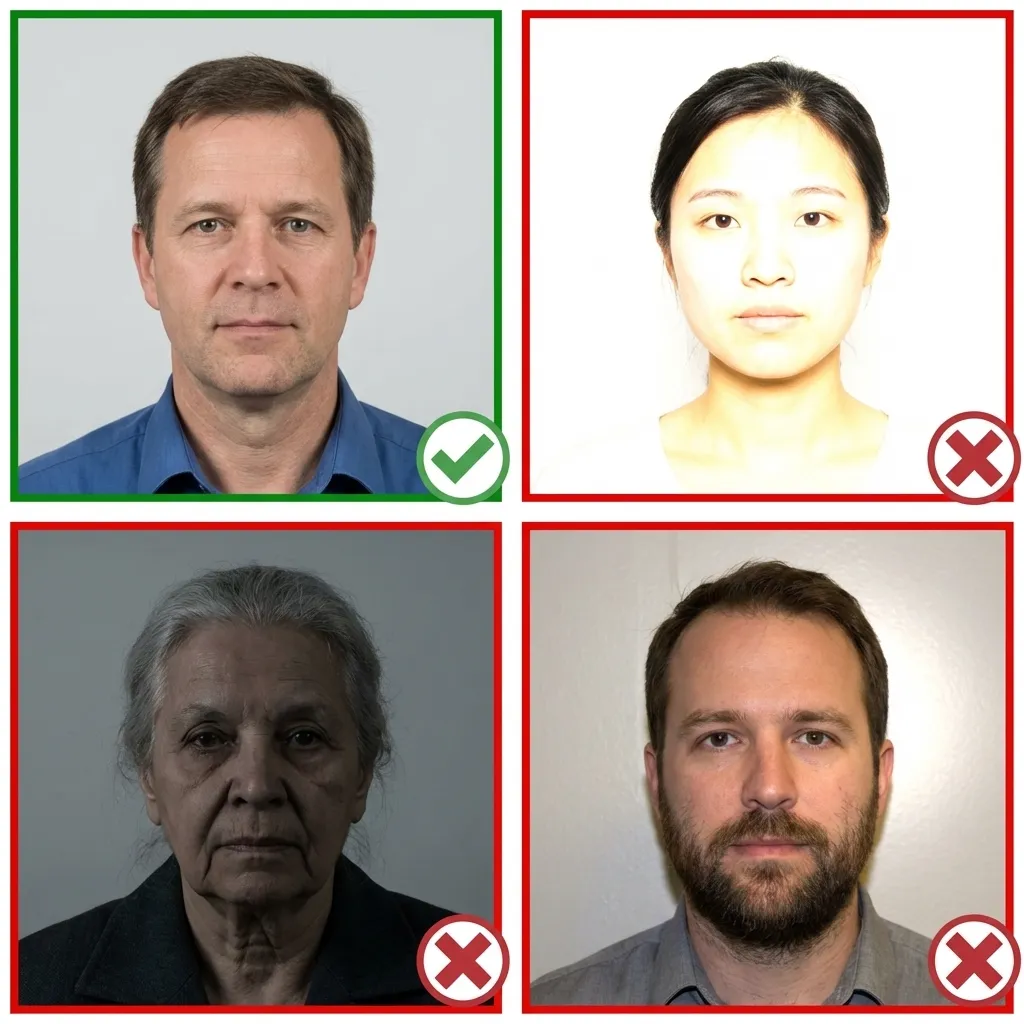
Normal clothing, avoid white tops. Hair must not cover eyes.
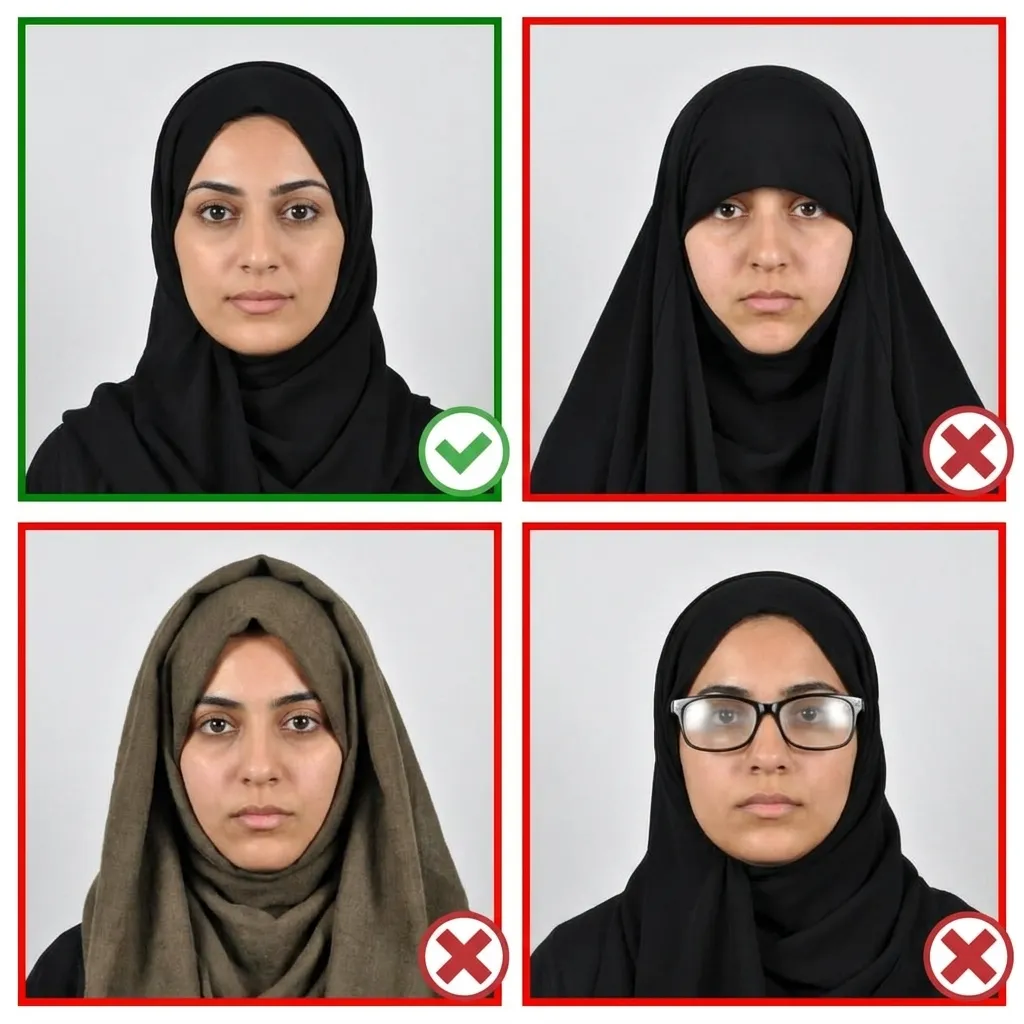
Head facing forward, shoulders relaxed, 1.2m from camera.
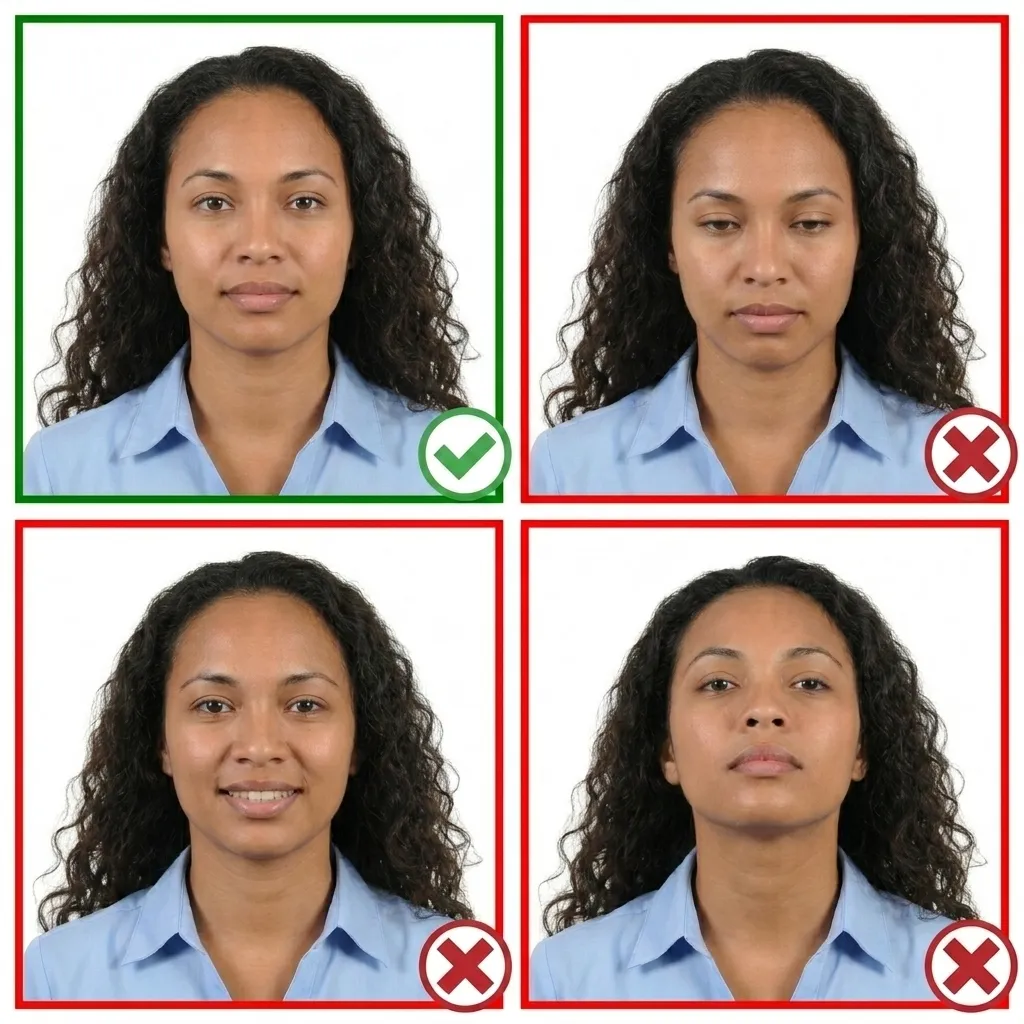
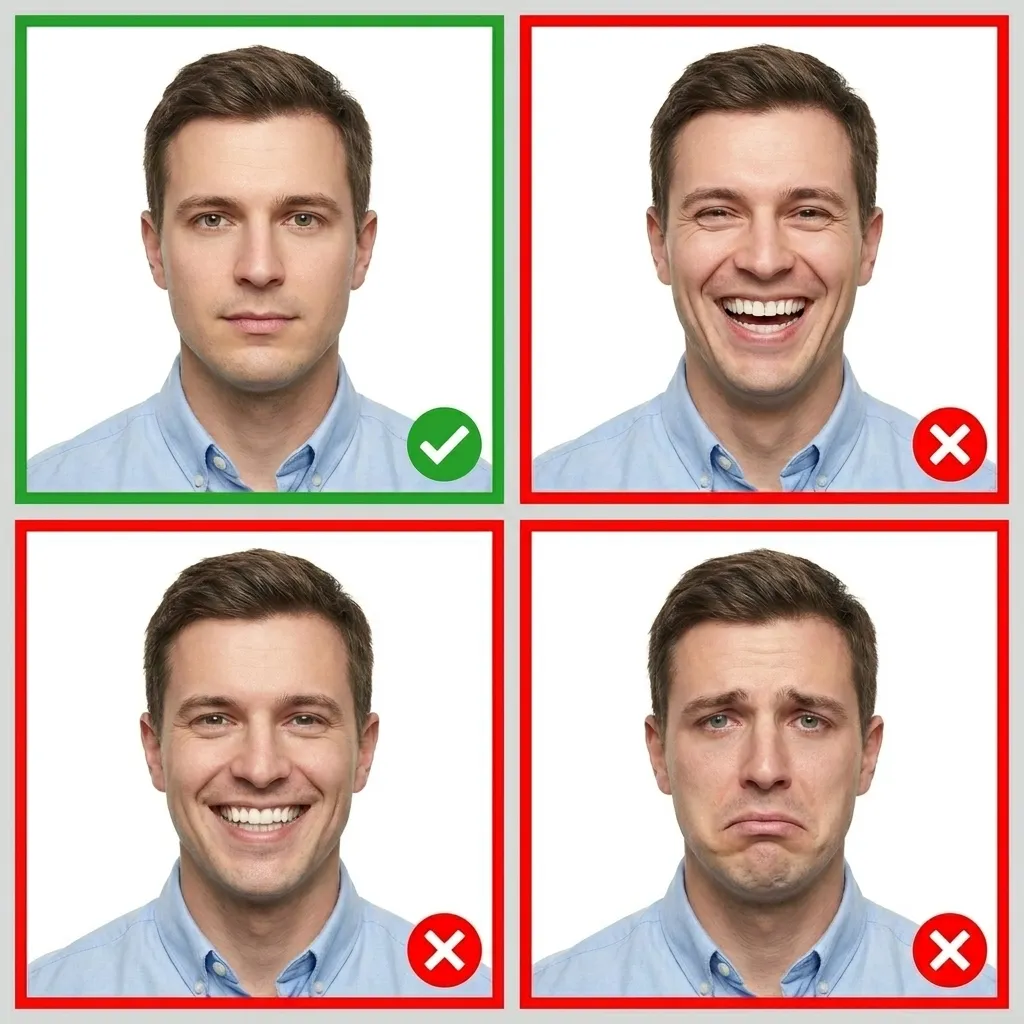
Both eyes open, mouth closed, neutral expression.
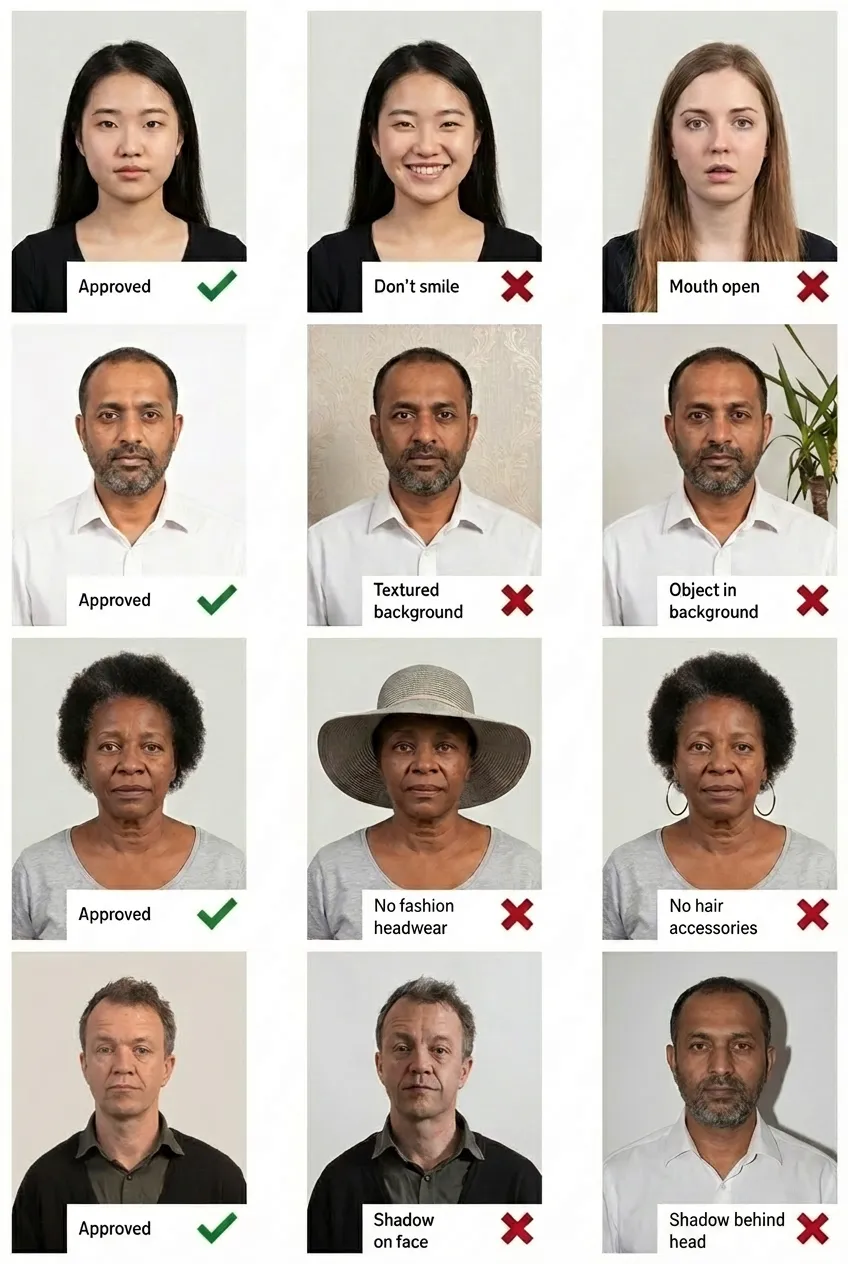
Comparison of acceptable and unacceptable visa photos
35×45mm (826×1062 pixels at 600 DPI) in JPEG format, maximum 300 KB, with plain white background.
Upload during the online application at visa.gov.bd. The official portal lists the photo as optional but recommends including it.
Yes! Upload your smartphone photo to PassportPhoto.help. Our AI will crop, resize, remove background, and compress to under 300 KB.
300 KB in JPEG format. Our tool will automatically compress your photo to meet this requirement.